Can You Buy Gmail Accounts for Android? Pitfalls & Fixes
Can You Buy Gmail Accounts for Android? Pitfalls & Fixes
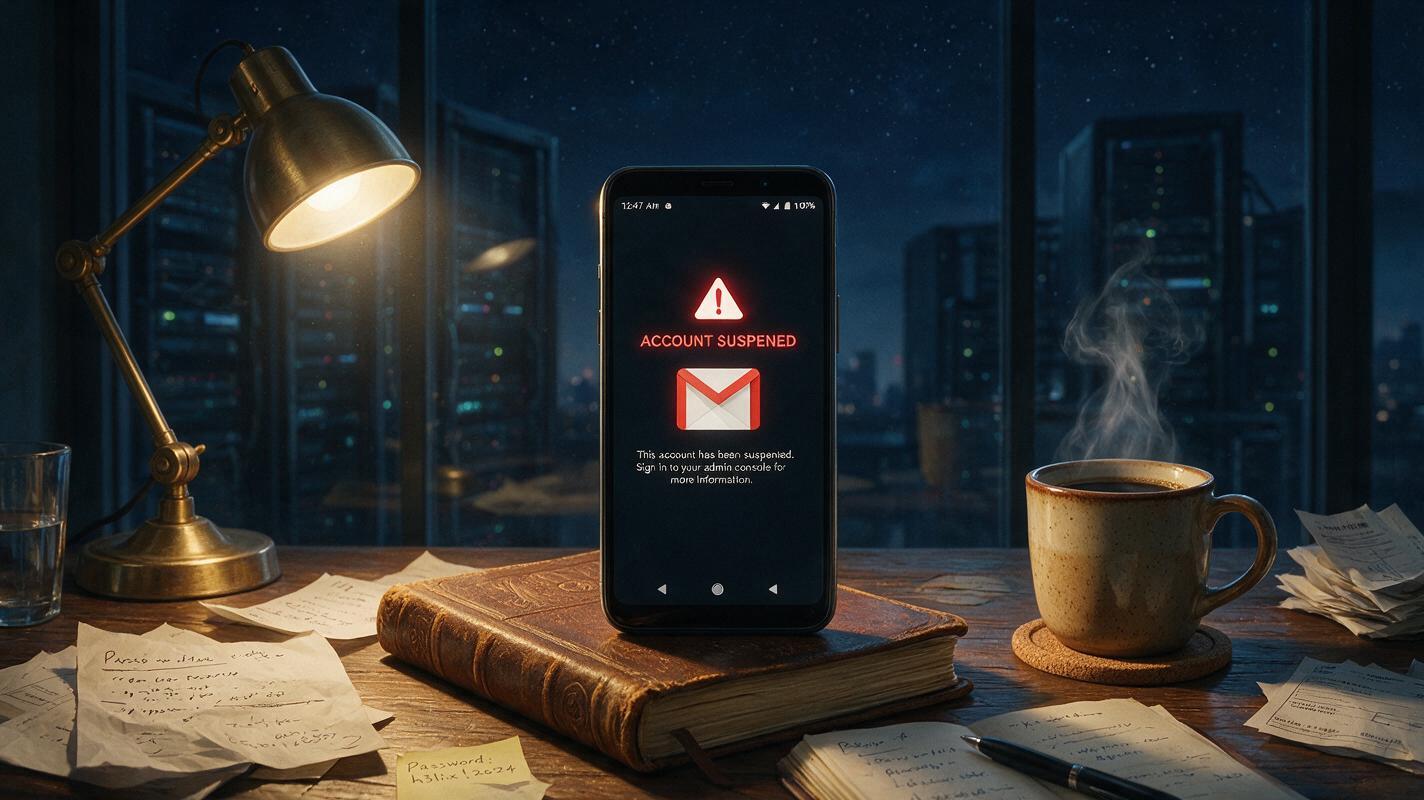
Here’s a recent midnight wake‑up call. A friend running a Shopify store logged into a freshly purchased Gmail on a rooted Android phone. Before he could even set up 2‑step verification, the account threw a “suspicious activity” warning and was disabled within ten minutes. He messaged me in a panic: “Can you actually buy Gmail accounts for Android, or did I just get scammed with a fake one?”
The truth? The account was probably legit. But Android’s hidden security checks are way more ruthless than most buyers realize. The real question isn’t “can you buy a Gmail account” — it’s “will it survive once you log in on Android.” And trust me, that’s where countless cross‑border studios have already crashed and burned.
Why People Sell Gmail Accounts Even Though Google Bans It
Google’s terms are crystal clear: selling or transferring accounts is forbidden. But in cross‑border e‑commerce, the demand for Gmail is brutally rigid. You need it for AI tools, social media account creation, overseas service registrations — a stable Gmail is practically infrastructure. Registering them yourself? Expect flagged IPs, phone verification dead ends, and device‑based blocks after a few tries. So many turn to purchase channels.
That’s spawned a grey market. Sellers generally fall into three camps: individuals manually creating batches, automated script factories churning out accounts, and a smaller number of compliance‑focused providers. From what I’ve seen, the first two dominate the supply, but account quality is all over the place. On Android devices, the survival rate often hovers between 50% and 70% — the remaining 30% get filtered out by Google’s risk engine at first login or within a week.
Here’s a detail that gets overlooked: just because you buy an account doesn’t mean you can start using it right away. When a Gmail logs into a new device, Google evaluates device fingerprints, network environment, login timing, even sensor data. Because Android is an open system, it grabs more signals than iOS — whether your phone is rooted, if the system language and time zone match the account’s origin, whether the ROM has been tampered with. Any mismatch can trigger a lock. Experienced buyers know to keep usage light for the first 24 hours, avoid immediate password changes or recovery‑email additions, and give the account a “settling‑in period.” This is what we call account warming — and most sellers conveniently leave it out of the pitch.
Buy Gmail Accounts for Android? Understand the Types First
If you dig into the “can you buy Gmail accounts for Android” question, what you really need to focus on is how the account was born and whether it fits your use case. Based on industry consensus, here’s how most Gmail accounts in circulation differ:
- Registration method: Manual vs. scripted bulk. Manual accounts usually have cleaner IPs but cost more and supply is tight. Scripted ones are cheap but may share IP ranges, so a chain ban is a real danger.
- Verification backbone: Phone‑verified vs. recovery‑email only. A phone‑verified account starts with higher trust, but keep in mind that the phone number could get recycled later.
- Account age: New vs. aged. Aged accounts survive Android logins way better than brand‑new ones, but the price difference can be double or more.
- Paper trail: Does the seller include original registration IP info, recovery email details, or device fingerprint data? This stuff can save you during an appeal, yet most sellers won’t volunteer it.
This is where a different service model has been gaining traction. A few providers are moving toward a compliance‑first approach — I’m talking about platforms like Getfollow. Instead of just handing over credentials, they bundle the account with its creation environment, a pre‑warmed usage history, and a reclaimable paper trail. Think of it as “full lifecycle management.” From the moment the account is created, it’s run on clean residential IPs, actual device fingerprints, and realistic activity patterns — so by the time it reaches you, it’s already semi‑seasoned. This model has been operating in the US cross‑border scene for years; it’s only recently that a handful of local providers have adopted it. It doesn’t eliminate ban risk (Google tweaks its risk engines constantly), but on Android, the survival odds jump noticeably.
Why Your Purchased Gmail Dies on Android Within a Week
Many assume the account itself is the problem. In reality, a huge chunk of Android bans are triggered from the device side. I keep seeing this exact case: someone buys a Gmail, pops in a local SIM card, logs in — boom, instant block. The reason is simple. Google Play Services reads your SIM’s MCC/MNC data, sees the network origin is worlds apart from the account’s registered location, and screams “anomaly.”
A sneakier risk is device fingerprint pollution. If that Android phone has been used to sign up for dozens of Gmails in the past, or if it logged into a banned account while rooted, chances are its Android ID and hardware parameters are already flagged by Google. From that point on, it doesn’t matter how clean a purchased account is — just logging in on that device hikes the inspection rate. Among seasoned practitioners, the rule of thumb is clear: keep your business Android devices clean. No rooting, no unlocked bootloader, no sideloaded apps from sketchy stores, and routinely wipe Google Play Services cache. These gritty details are what separate “can you buy Gmail accounts for Android” from “should you even try.”
Three Battle‑Tested Criteria for Picking a Seller
If you’ve decided to buy, these filters can help you weed out the junk. They’re distilled from long chats with cross‑border sellers — not a magic formula, but a practical checklist:
Criterion one: Look for the “counter‑intuitive” guarantee. The usual line is “all sales final, no refunds.” But decent providers often promise a replacement if the account is banned on first login. Why? Because if the inventory is genuinely clean, first‑login bans are rare. A willingness to offer that safety net means they’re confident in their product. If a seller shuts down any talk of compensation, they probably have no clue how long the accounts will actually live.
Criterion two: Ask about the registration IP location. If your Android device mostly operates on a North American network, buy accounts registered from a North American IP. The consistency between IP geolocation and device network is a massive ranking factor inside Google’s risk algorithm.
Criterion three: Test the “silent period” stability. Once you’ve got the account, log in via web once and then do absolutely nothing for two to three days. After that cooling‑off stretch, attempt the Android login. If the account throws an anomaly during the silent phase, the base quality is suspect. If it stays calm, survival odds climb sharply.
There’s another nuance people miss: Gmail accounts build up “reputation weight” over time. A brand‑new account that switches devices frequently, sends a flood of emails, or gets marked as spam in its first few days is practically begging for a downgrade. The right approach is gradual activation — keep email volume low that first week, attach just one or two lightweight services, and let Google’s models establish a normal behavior baseline. Colleagues who follow this method report far fewer verification triggers later when they ramp up operations.
Bulk Operations, Device Farms, and Smarter Alternatives
For studios running dozens or hundreds of purchased Gmail accounts on Android simultaneously, the risk multiplies fast. Google’s farm‑detection capabilities now go well beyond IP checks — sensor data variations, charging states, even screen brightness fluctuations can give away non‑human patterns. I know of one failed case where 30 Android emulators logged into bought Gmails at the same time. Within an hour, all were banned. Why? Motion‑sensor readings were flatlined at zero, a scenario that’s virtually impossible with genuine human handling.
Here’s a pragmatic route, and it’s what I’m seeing the market shift toward: don’t put all your eggs in one basket. For core business accounts, manually register and nurture them over time. For secondary tasks, a compliance‑focused provider (like Getfollow, which essentially sells pre‑warmed, behavior‑rich accounts) can work well — provided you use them with light automation, not aggressive scripting. That distinction is critical. Google treats any heavy, high‑velocity automation as a giant red flag.
If you really need to run massive email verifications or account registrations, a smarter play is to blend Gmail with Outlook, ProtonMail, and other services. Spreading the load reduces your exposure. Betting everything on Gmail means one coordinated banwave could wipe out your entire operation overnight.
So, Can You Buy Gmail Accounts for Android? The Bottom Line
Let’s circle back to the question that started all this. Can you buy Gmail accounts for Android? Yes — but the conditions are brutal. You can absolutely purchase a Gmail account and use it on an Android device. Whether it stays alive long‑term depends on three variables: the initial quality of the account source, the cleanliness of your Android environment, and whether your usage patterns look human.
The market will always have demand, and there will always be someone offering a solution. But under Google’s ever‑tightening risk net, the era of cheap bulk buying and quick wins is fading. What’s left are teams who’ve mastered in‑house registration and account warming, or pragmatists who partner with reliable channels and trade a manageable cost for stability. Whichever path you pick, start tiny — one clean Android device, one or two accounts, and run the full workflow until you’ve confirmed a survival cycle you’re happy with. Only then scale up. In the Gmail game, caution isn’t conservative — it’s the only way to stay in the game.
One last candid word: any seller promising “permanent survival” or “guaranteed never banned” is most likely burning through your trial‑and‑error budget. Respect the rules, understand how Google thinks, and only then can you carve out a space in the cracks. After all, an account is just a tool. Dying on that hill? It’s just not worth it.
Is it legal to buy Gmail accounts for Android?
Google’s Terms of Service explicitly prohibit selling or transferring accounts. While it’s not a criminal offense in most jurisdictions, it violates Google’s policies and can result in permanent suspension of the account.
How do I keep a purchased Gmail account safe on Android?
Use a clean, unrooted device, match network location with the account’s registration region, avoid immediate password changes, and let the account rest for a couple of days before heavy use. This “warming” process helps build trust with Google’s risk engine.
What’s the biggest risk when using a bought Gmail on Android?
Device fingerprint pollution is among the biggest hidden dangers. If your phone has previously registered multiple accounts or been flagged while rooted, new purchased accounts almost always face heightened scrutiny.
Are there any reliable providers for purchasing Gmail accounts?
A few compliance‑oriented services, like Getfollow, focus on providing pre‑warmed accounts with registered IP history and recoverable documentation. While no provider can guarantee zero bans, such methods tend to raise survival rates significantly on Android.
Can I use a VPN to protect a purchased Gmail on Android?
A VPN alone isn’t enough. Google looks at device fingerprints, sensor data, and behavior patterns in addition to IP. A mismatched device fingerprint will still trigger alarms even if the IP is clean.