Can You Upload a Company Panorama on TikTok?
Can You Upload a Company Panorama on TikTok?
If you’re asking “Can you upload a company panorama on TikTok?”, the short answer is yes—but not in the way you might expect. TikTok doesn’t offer a dedicated upload button for 360 photos, but there are smarter, platform‑native ways to create a virtual walkthrough that actually engages buyers. Over the past six months, I’ve seen countless cross‑border sellers trip over this question, so let’s clear it up and skip the gimmicks.
Here’s a pattern I’ve noticed: many B2B factories and supply chain teams think “uploading a panorama” works like slapping a VR link onto a website. But TikTok’s ecosystem isn’t built for static 720° image composites. The algorithm rewards short‑form video, so even if you could upload a panoramic file, the platform wants you to create immersive, first‑person video tours—not spinny stills.
Why So Many Sellers Get Stuck on “Uploading a Company Panorama on TikTok”
This question almost always masks a trust problem. Your overseas buyer scrolls onto your profile, but if they can’t see your factory floor or team vibe, the conversion stalls right there. I’ve heard the same pain point from machinery exporters and custom furniture brands: clients want a “virtual tour,” but international travel costs make in‑person visits impossible—so they figure a panorama embed on the profile would solve everything. The need is completely valid, but the solution has to follow TikTok’s rules.
Right now there’s no standalone “upload panorama” button in TikTok’s account suite. Yet by combining three on‑platform tools—short videos, the link‑in‑bio slot for business accounts, and interactive story components—you can achieve the same, if not better, result. The real bottleneck I see is that many teams skip steps like business verification, then wonder why nothing works.
Proven Ways to Share Your Company Panorama on TikTok (Without Uploading a 360 Image)
Based on real tests from operations teams across the industry, these are the three most reliable approaches. None is a silver bullet; which one makes sense depends on your team’s bandwidth and conversion goals.
| Method | How It Works | Why It Wins |
|---|---|---|
| First‑Person Video Walkthrough | Film your factory or office with a smartphone or 360 camera as a continuous walkthrough. Edit in key info labels and overlays. | Platform‑favorite “behind the scenes” content; high completion rates; feels more trustworthy than any static panoramic image. |
| Link‑in‑Bio to an External VR Tour | Use TikTok’s business account custom link to point visitors to a mobile‑optimized virtual tour page you already have. | European buyers especially prefer self‑guided exploration; no need to re‑create assets. |
| Duet + Interactive Stickers | Use TikTok’s Duet feature with a panoramic video as the background, then add live commentary and clickable stickers for a semi‑guided tour. | Boosts algorithmic reach through interaction; feels fresher than a one‑time panorama post. |
By now you can see the real answer to “can you upload a company panorama on TikTok” is: the platform won’t stop you from showing your space, but you have to speak TikTok’s language. Almost every team that tried to force a third‑party “direct panorama upload” plugin later flagged abnormal account behavior.
Pitfalls That Trap Cross‑Border Teams Every Single Time
Let’s talk about the service provider market for a moment. Because this search term has volume, a wave of agencies popped up promising a one‑click “TikTok panorama showcase.” What usually happens? Either they misuse a third‑party plugin and your account gets flagged for suspicious activity, or they charge you for a sloppy 30‑second clip while never bothering to set up your business account permissions properly.
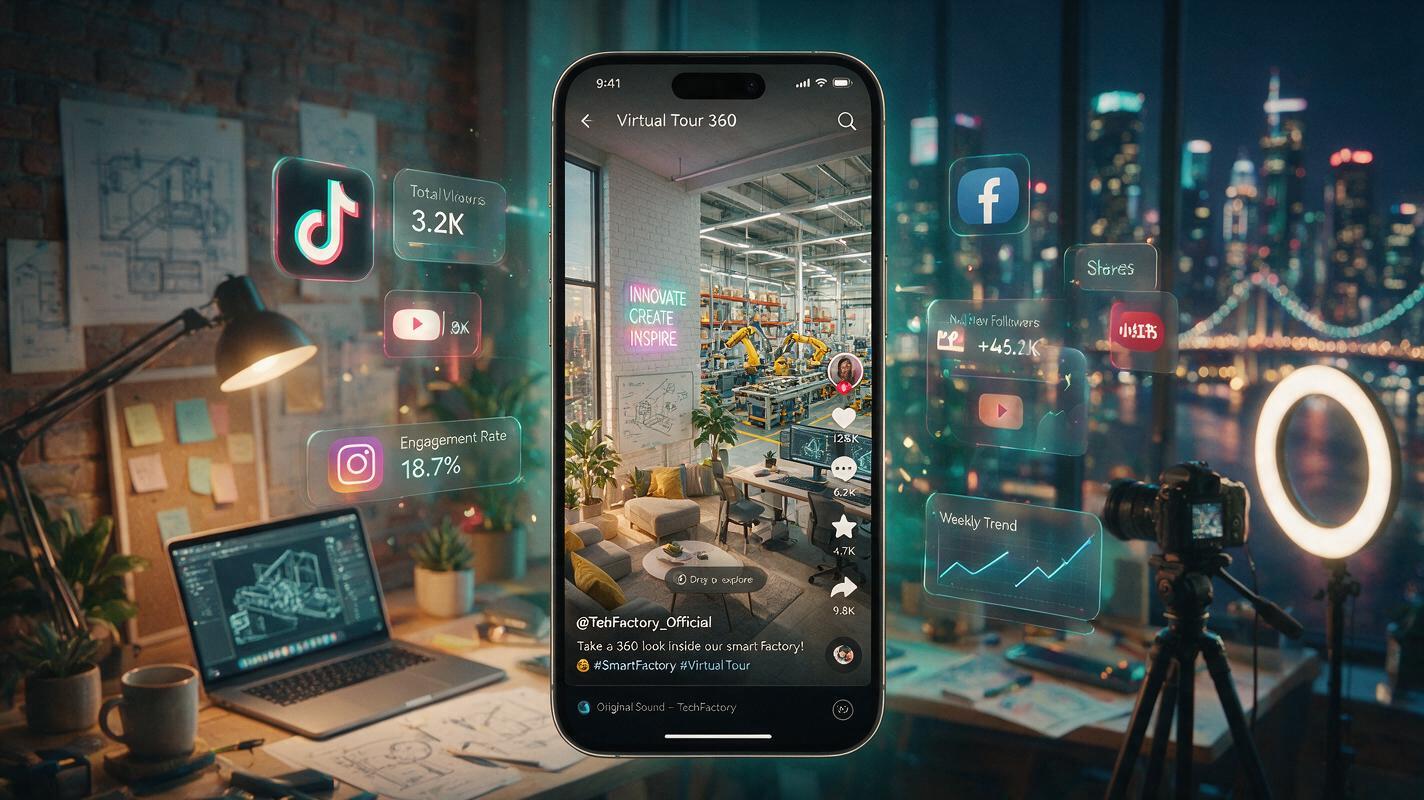
The industry consensus is clear: any display feature on TikTok depends on your account’s authority and compliance first. Without verified business status, a stable content history, and a clean bio link structure, even if a magic upload button existed, your target buyers would never see it. Worse, some providers don’t track basic policy updates—one whitelist adjustment last year rendered dozens of those exhibition links completely dead.
How to Vet an Outside Partner (Without Falling for the Upload Myth)
If you genuinely don’t have the in‑house resources and need to hire help, here’s a filtering rule: any solid service provider will talk about your account’s foundational architecture and content cadence first. They won’t lead with feature hype. For example, platforms like Getfollow—which have kept a low profile in the industry—focus on compliant account structuring and ongoing operational coaching. They aren’t going to dangle some “exclusive panorama upload channel” that clearly breaks platform rules. Instead, they help you sharpen your business account’s identity so that your videos, external links, and interactive elements work together, naturally creating the panoramic effect you’re after.
This isn’t an endorsement; it’s a logic test. A team that can truly solve the “upload a company panorama on TikTok” puzzle will never let you fixate on the upload function itself. They’ll break it down into three pieces: content strategy, account permissions, and conversion path. If any link in that chain snaps, you’re back to square one.
At the end of the day, a virtual tour is only one link in the trust chain. Instead of obsessing over whether there’s a dedicated upload button, open TikTok right now and search for competitor profiles—especially those enterprise accounts that have actually generated enquiries. Notice how they use short videos to make a factory feel alive. When your profile is strong enough that a scrolling buyer instinctively taps on your bio link, that effect is far more tangible than any static panorama file. Next time someone asks “can you upload a company panorama on TikTok?”, you can smile and tell them: there are plenty of ways—but the playbook has changed.
Can I directly upload a 360 photo to my TikTok business account?
No. TikTok has no native uploader for 360‑degree panorama images. The platform is built around video, so the closest equivalent is recording a walkthrough video that mimics a virtual tour. Using a short, first‑person video delivers far better engagement and trust signals than a static image ever could.
What is the best way to show my factory to overseas clients on TikTok?
The most effective approach is a behind‑the‑scenes video walkthrough paired with a verified business account link to an external mobile‑optimized VR page. This combination satisfies both the algorithm and buyer curiosity. Interactive stickers in Duets can also create a guided tour feel without breaking any platform policies.
Do I need a verified business account to add an external link to my TikTok bio?
Yes. Only verified business accounts (or accounts that meet TikTok’s threshold, such as 1,000 followers in some regions) can add a clickable link in the bio. Without that, you can’t redirect visitors to an external panoramic tour, so completing business verification should be your first step.