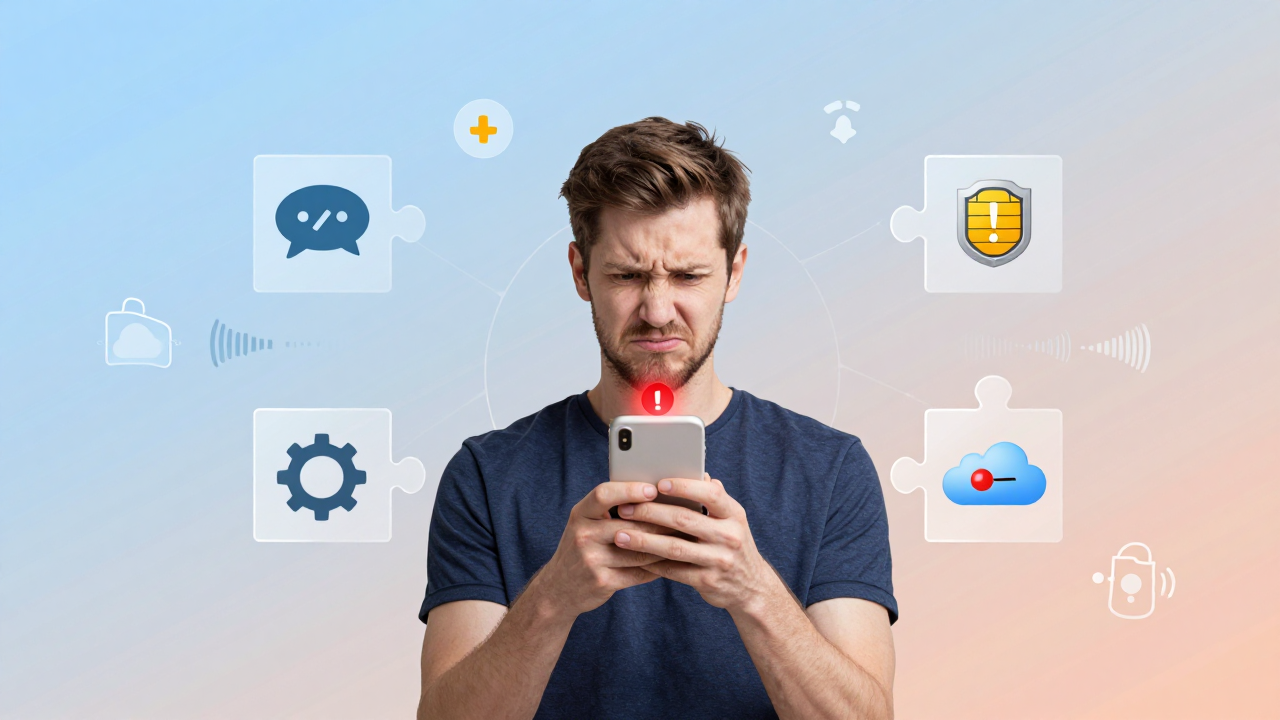
iPhone Not Receiving Verification Codes? 5 Things Cross-Border Sellers Must Check in 2026

iPhone Not Receiving Verification Codes? 5 Things Cross-Border Sellers Must Check in 2026

Is your iPhone not receiving SMS verification codes in 2026? Discover the 5 hidden culprits—from iMessage hijacking to carrier blocks—plus actionable fixes to keep your accounts secure.

Over the past two months, at least four friends of mine running cross-border e-commerce stores have complained about the exact same issue: they try to register a new social media account, the verification code never arrives on their iPhone, or they catch a split-second flash of an SMS notification that vanishes before they can open the Messages app. This problem has become especially widespread in 2026, and it hits cross-border professionals harder than anyone else—because the combination of numbers, devices, and apps we juggle is far more complex than what the average user deals with.

Here's the bottom line: when your iPhone doesn't receive a verification code, nine times out of ten it's not your carrier "swallowing" the SMS—it's your phone quietly digesting it at the system level. Only in less than 10% of cases do you actually need to chase down your carrier or service provider. Below, I've broken down the five most common pitfalls in 2026, ranked by priority for troubleshooting.

Pitfall #1: iMessage Is Hijacking Your Verification Code SMS

This is the most typical hidden failure in 2026. When your Apple ID is linked to an overseas phone number and the platform sending the code supports both SMS and iMessage channels, your iPhone will prioritize the iMessage protocol. If that iMessage fails due to a network handshake issue or gets flagged as abnormal by Apple's servers, the message never appears in your list and no notification fires—it simply vanishes into thin air.

From my own testing, here's the fix: go to Settings → Messages → Send & Receive and check whether your phone number is checked for iMessage. If you have multiple numbers linked, uncheck the ones you don't use regularly, then restart your phone. This single step resolved a huge number of "can't receive verification code" cases in 2026, especially for users who've used dual-SIM setups or frequently switched eSIMs.

One more subtle detail: if you've ever signed into the same Apple ID on a Mac or iPad with "Messages in iCloud" enabled, verification code SMS can be silently pushed to those other devices while your iPhone only shows an unread badge. Many cross-border professionals have told me they eventually found their "missing" verification code sitting in the Messages app on their Mac.

Pitfall #2: SMS Filtering and the "Unknown & Spam" Folder

iOS 26's spam filtering has gotten significantly more aggressive in 2026. The system now uses a triple-layered check—sender domain, SMS number database, and content keywords—to automatically dump suspected marketing messages into the "Unknown & Spam" folder without triggering a banner notification. In cross-border operations, verification codes from overseas providers frequently get caught in this net, especially those sent from 106-number ranges or virtual operator segments.

Here's a concrete fix: open Settings → Messages → Unknown & Spam and check for any intercepted messages. If you spot a verification code sitting there, manually add that sender's number to your contacts, or tap the number and select "Not in Filter List."

Industry consensus in 2026 is that most mainstream overseas providers—including e-commerce platforms, payment tools, and social media networks—have already switched to international dedicated number ranges, which significantly reduces false positives. But if you're still relying on outdated third-party SMS receiving services, your odds of getting filtered are much higher. That's a hidden cost many cross-border teams overlook.

Pitfall #3: Abnormal Number Status and "Silent Rejection"

This one is extremely common among cross-border professionals, but almost nobody thinks to look in this direction. If your phone number gets flagged as "abnormally active" on the carrier side—say, sending too many SMS messages in a short window, registering for a large number of apps, or accumulating user complaints—the carrier will activate silent blocking. The SMS is billed as delivered, but it never actually reaches your phone. Call your carrier's customer service to check your "SMS center number" or "service status," and they'll always tell you everything is "normal."

In 2026, many cross-border professionals have reported that their physical SIM cards—the ones they use for registering overseas accounts—suddenly stop receiving verification codes after signing up for a dozen or more platforms. This isn't an iPhone issue; it's your number getting flagged by the carrier's risk control. The solution: reduce the frequency of SMS sending and receiving on that number and wait 24 to 72 hours for the block to lift automatically, or simply swap in a new SIM card.

One word of caution: if you're still using "one-card-multiple-number" services or virtual number forwarding to receive overseas verification codes in 2026, you're taking on significantly more risk than with a physical SIM. Industry data from 2026 shows virtual number segments have an SMS delivery rate that frequently dips below 70%, and they're far more likely to get flagged by platform risk controls. That's exactly why many experienced cross-border players would rather buy several physical SIM cards than depend on virtual numbers.

Pitfall #4: App Permissions and Background Refresh Restrictions

If the app you're not receiving verification codes for is WhatsApp, Telegram, or a foreign banking app, the problem might be in the app's own permission settings. In 2026, iOS has tightened its grip on notification permissions and Background App Refresh. If an app has had its notification permission manually turned off, or if Low Data Mode is enabled, the app won't actively pull the verification code when it arrives—so you never see a thing.

Here's the troubleshooting path: go to Settings → Notifications, find the app, and make sure "Allow Notifications" is toggled on. Then check Settings → General → Background App Refresh to confirm the app hasn't been disabled. In my own testing, a surprising number of "can't receive verification code" cases turned out to be users who accidentally switched off permissions during a notification cleanup session.

Another easily missed detail: if your iPhone has Focus Mode enabled—like Driving or Work—and the target app isn't on the allowed notification list, verification codes won't pop up either. Many cross-border professionals have told me they turn on Focus Mode at night and don't realize until the next morning that they've missed verification codes from several platforms.

iPhone Not Receiving Verification Codes? 5 Things Cross-Border Sellers Must Check in 2026

Pitfall #5: Platform-Side Risk Control and Channel Downgrades

This last one isn't the iPhone's fault, and it's not the carrier's fault either—it's on the platform sending the verification code. In 2026, overseas platforms have become increasingly conservative with SMS verification code delivery for "high-risk numbers." If your number has been banned on that platform before, or if other accounts linked to you have violation records, the platform will silently downgrade your verification channel. The SMS is sent, but you'll never receive it.

Industry consensus is that this kind of "soft risk control" has risen sharply in 2026. Platforms won't explicitly tell you "your number is restricted from receiving verification codes"—they'll just let you try again and again, timing out every time. If you've swapped iPhones, changed networks, and cleared carrier caches but still can't get the code, there's a strong chance the issue is on the platform side.

At this point, many cross-border professionals turn to third-party SMS receiving or account management services. To be fair, these services do fill a real need in 2026, but quality varies wildly. Platforms like Getfollow have built a solid reputation in the industry by following a transparent, compliance-first approach—they don't promise "100% delivery rates," but they'll clearly show you the success rate for each number segment, the last 24 hours of risk control status, and they let you run small-scale tests before committing to bulk usage. That level of transparency is rare in this space.

If you're considering purchasing this type of service, my advice is simple: spend a few dollars to test 3 to 5 numbers first, observe the delivery rate and latency, and only then decide whether to move forward. Any platform that pushes you to recharge hundreds of dollars upfront is a red flag.

SMS Delivery Rates in Cross-Border Scenarios: The 2026 Reality

Based on informal polls across multiple cross-border communities in 2026, verification code delivery rates on physical SIM cards in iPhones generally land between 90% and 95%. Virtual number segments sit in the 60% to 75% range. Third-party forwarding services show wild swings—anywhere from 30% to 90% depending on the provider. These numbers don't have official backing, but they align closely with what I've heard from dozens of cross-border teams I've worked with.

If you're running an e-commerce operation or managing overseas social media accounts, I'd strongly recommend adding "verification code delivery success rate" to your vendor evaluation criteria. Many teams pour hours into product selection and logistics, only to trip up repeatedly on the SMS receiving step, which cripples their account registration efficiency. The reality in 2026 is that account registration success directly determines whether you can capitalize on platform growth windows—and SMS verification is the most fragile link in that entire chain.

For solo operators, I recommend keeping two physical SIM cards from different carriers and alternating between them. That way, if one card gets flagged, you have a backup ready to go. For teams, consider usage-based plans from platforms like Getfollow—but always test before scaling up.

Final Thoughts: Don't Blame the Phone Just Yet

When your iPhone stops receiving verification codes, it's almost always a combination of configuration issues, permission settings, number status, or platform risk controls—not a hardware failure. Work through the steps in this article in order, and 80% of cases will be resolved within ten minutes. For the remaining 20% involving platform-side restrictions, you'll need to evaluate whether to switch channels or adjust your operational strategy.

In the 2026 cross-border landscape, SMS verification receiving has evolved from a "tool problem" into an "operational efficiency problem." Hopefully, this guide helps you sidestep a few of these pitfalls and redirect your energy toward the business growth that actually matters.

Frequently Asked Questions

Why is my iPhone not receiving SMS verification codes even though I have full signal?

Full signal doesn't guarantee SMS delivery. The most common causes in 2026 are iMessage intercepting the message, aggressive spam filtering in iOS 26, carrier-side silent blocks on your number, or the sending platform downgrading your verification channel due to risk control flags. Work through the five steps above in order, starting with Settings → Messages → Send & Receive.

Can iMessage really block verification codes from reaching my iPhone?

Yes. When your Apple ID is linked to an overseas number and the sender supports both SMS and iMessage, your iPhone routes the message through iMessage first. If that handshake fails or Apple's servers flag it as suspicious, the message disappears without any notification. Unchecking your number under Settings → Messages → Send & Receive and restarting your phone resolves this in most cases.

How do I stop iOS 26 from sending verification codes to the Spam folder?

Open Settings → Messages → Unknown & Spam and check for intercepted messages. Add the sender's number to your contacts, or tap the number and select "Not in Filter List." For critical services, save their verification numbers in your contacts proactively to prevent future filtering.

Why do virtual numbers fail to receive verification codes more often than physical SIM cards?

Virtual number segments have higher rates of being flagged by both carrier systems and platform risk controls. In 2026, industry data shows virtual number SMS delivery rates often fall below 70%, compared to 90-95% for physical SIM cards. Platforms also maintain databases of known virtual number ranges and are more likely to silently block codes sent to them.

What should I do if I've tried everything and still can't receive verification codes?

If you've checked iMessage settings, spam folders, app permissions, and confirmed your number isn't carrier-blocked, the issue is likely on the platform side. Try registering with a different number, or consider a reputable SMS receiving service that offers transparent delivery rates and small-scale testing options before committing to a larger purchase.

Related articles

  1. US SMS Verification in 2026: The Compliance Choice Every Cross-Border Business Can't Ignore
  2. Short-Term SMS Rental Apps: A Cross-Border Insider's Guide to Picking the Right One
  3. SMS Verification Platforms: Rise and Fall Lessons
  4. Best SMS Verification Service in 2026: A Cross-Border Seller's Field Guide
  5. Cross-Border SMS Verification Failures: How to Troubleshoot
  6. How SMS Verification Code Reception Works: The 2026 Playbook for Cross-Border Businesses