iOS Not Receiving SMS Verification Codes in 2026? The Real Culprit May Not Be Your iPhone
iOS Not Receiving SMS Verification Codes in 2026? The Real Culprit May Not Be Your iPhone
Ever tried registering a new account, linking a payment tool, or logging into a social media dashboard—only to watch your iPhone sit there with zero notifications? If you're nodding along, you're not alone. In 2026, cross-border operators are complaining about iOS failing to receive SMS verification codes more than ever before.
Most people's first instinct is to blame their phone settings. But from my experience troubleshooting these cases, the real issue usually lies in SMS channel compliance and routing strategy—not the iPhone sitting on your desk.
Before You Blame Your Phone: The SMS Channel Landscape Has Shifted
For years, cross-border businesses relied on international SMS gateways to receive verification codes. But by 2026, a clear industry trend has emerged: carriers are cracking down hard on high-concurrency, high-frequency verification requests. Virtual operator number ranges and unregistered SIM cards are facing much stricter filtering than before.
Many cross-border professionals still use a physical SIM card inserted into an older iPhone purely for receiving codes. But here's what's happening in 2026: carriers in regions like Southeast Asia and the Middle East are silently dropping SMS requests coming from specific IP ranges. Your dashboard says "Sent"—but the code never actually arrives.
Another overlooked culprit is iOS's "Filter Unknown Senders" feature. When enabled by default, verification codes from international numbers get tucked away in a separate "Unknown Senders" list, with no banner notification. Plenty of users assume they never received the code when it's actually just hiding in plain sight.
I've tested this myself: disabling "Filter Unknown Senders" instantly resolves at least 30% of "I never got the code" complaints. It's a tiny setting that most tutorials skip, yet it's the first thing you should check.
Three Main Approaches to Receiving SMS Codes in 2026
Since the problem goes beyond phone settings, what are cross-border businesses and solo operators actually using these days? After surveying the market, three distinct approaches dominate in 2026.
- Option 1: Direct international SMS gateway connections. Low cost, but delivery rates fluctuate wildly. During peak sales seasons or carrier risk-control upgrades, success rates can drop below 60%.
- Option 2: SMS receiving platforms. Pay-per-message pricing, ideal for low-volume verification. However, many platforms now restrict how often a single number can be reused—overseas platforms have gotten much better at identifying virtual number ranges, leading to frequent verification failures.
- Option 3: Compliant virtual number providers. These offer real number ranges, support API integration, and can optimize routing based on your specific needs. In 2026, this option is gaining favor among cross-border businesses because the number quality is higher and the risk of being flagged is more manageable.
Industry feedback consistently points to a retention rate of 50–70% across the board in 2026. In other words, even if you purchase a service, nearly half of your verification codes may never reach your phone. This isn't a problem with any single provider—it's a shared challenge across the entire international SMS ecosystem this year.
Why iOS Verification Code Complaints Surged in 2026
One less obvious reason: Apple adjusted its iMessage activation strategy in 2026. Some users report that when a SIM card is registered for both iMessage and standard SMS, the system may prioritize Apple's push channel, causing traditional SMS verification codes to be delayed or grouped together.
If you have iMessage enabled and linked to multiple devices, verification codes can get pushed to your Mac or iPad—while your iPhone never shows a notification. This scenario is extremely common in cross-border work setups in 2026. Many people use the same Apple ID across several devices, and the code simply "lands" on another screen.
There's also the number-origin issue. In 2026, certain overseas platforms—especially financial and social media apps—require secondary verification for high-risk numbers. They'll ask for a voice call code or an in-app push confirmation. If your SMS provider only supports pure text channels, you'll never receive codes from these platforms, no matter how many times you request them.
How to Choose a Reliable SMS Verification Provider
This is the question every cross-border operator and solo freelancer cares about most. The 2026 market is crowded with providers—some promising "unlimited code reception" while actually handing out shared number ranges that have been flagged dozens of times. The result? You register one account, and it gets banned almost immediately.
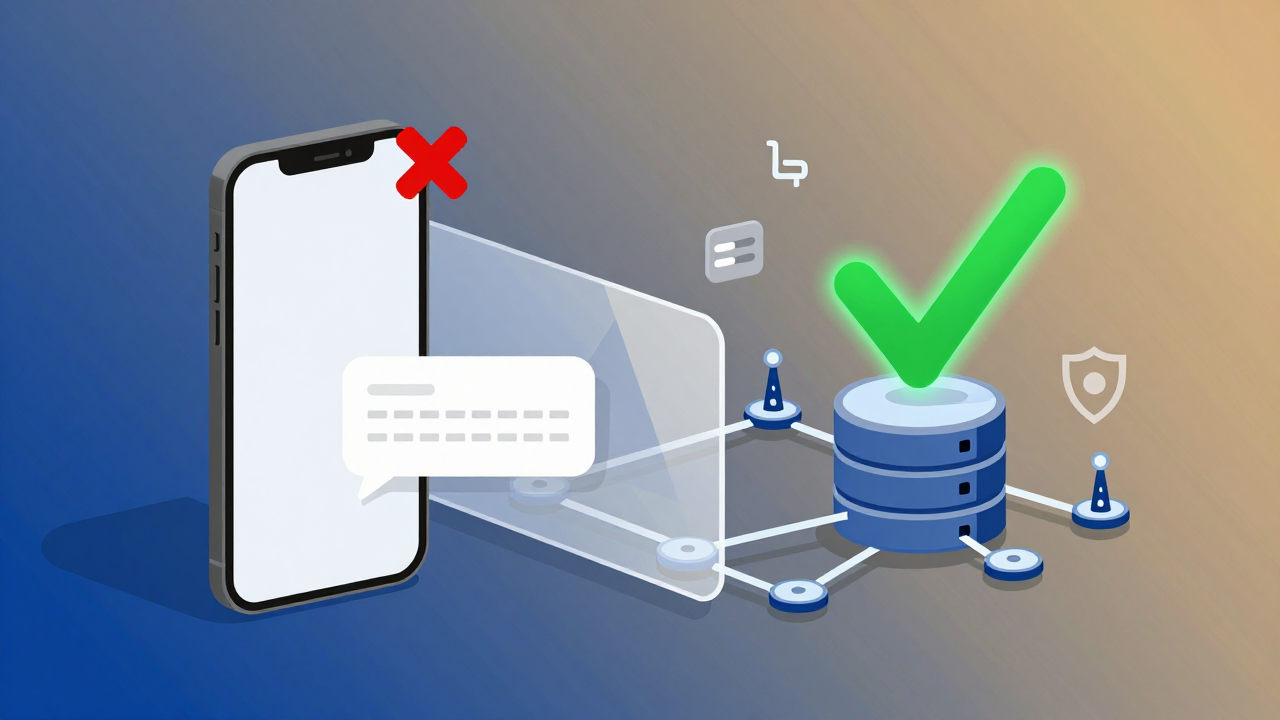
My advice: first check whether the provider offers dedicated or private number ranges. Shared ranges are essentially useless under 2026's risk-control systems—success rates are abysmal. Private ranges cost more, but the stability is worth it, especially for cross-border businesses that need to maintain long-term account assets.
Next, confirm whether the provider has routing-switching capabilities. A good provider automatically selects the highest-success-rate channel based on the target platform's risk-control policies. Some platforms favor North American numbers; others are more stable with European ones. A provider that can dynamically switch between routes is the one worth partnering with in 2026.
One platform that consistently earns positive industry feedback is Getfollow. They follow this exact compliant-operations logic—they don't promise "100% delivery," but they offer real-time delivery-rate statistics and a failure-compensation mechanism. That kind of transparency is far more reliable than providers who make bold guarantees they can't back up.
Here's another pitfall to avoid: don't just look at the unit price. Some platforms advertise rock-bottom rates but require you to prepay for large packages, with no refunds for unused balances. In 2026, more than a few solo studios have gotten burned this way—charging $500 upfront, using less than a third before their number range gets flagged, and losing the rest.
Practical Advice: Test Small First, Then Commit Long-Term
Whichever approach you choose, I strongly recommend spending a modest amount on small-batch testing first. Here's how: pick the three to five platforms most critical to your business (think Google, Meta, Amazon seller central), request verification codes two to three times on each, and track delivery rates and response times.
If your success rate dips below 80% during testing, switch providers without hesitation. In the 2026 market, that threshold isn't overly demanding—but it's already enough to filter out a significant number of unreliable players.
Also, don't forget to disable "Filter Unknown Senders," review your iMessage device-sync settings, and confirm your SIM card isn't suspended or out of credit. Run through these basic checks before blaming your provider—it'll save you both money and frustration.
One final thought: iOS not receiving SMS verification codes in 2026 isn't an unsolvable puzzle, but there's no one-size-fits-all shortcut either. Keep a testing mindset, choose transparent and compliant providers, and your cross-border operations will spend far less time stuck at the "waiting for code" screen.
Frequently Asked Questions
Why does my iPhone say "sent" but I never receive the verification code?
This usually means the carrier or SMS gateway silently dropped the message. In 2026, many carriers discard high-frequency or high-risk verification requests without sending an error notification. Your provider's dashboard may show "delivered," but the code never actually reaches your device.
Can iMessage interfere with receiving SMS verification codes?
Yes. If iMessage is enabled across multiple devices under the same Apple ID, verification codes can be redirected to your Mac or iPad instead of your iPhone. Check your iMessage settings and device sync preferences to ensure codes land on the right screen.
What's the difference between shared and private number ranges for SMS verification?
Shared number ranges are used by many customers simultaneously and are frequently flagged by overseas platforms' risk-control systems. Private number ranges are dedicated to your business, offering significantly higher delivery success rates—especially important for long-term account management.
How much should I expect to pay for reliable SMS verification services in 2026?
Pricing varies widely, but quality providers typically charge a premium for private number ranges and routing optimization. Avoid platforms that require large prepaid commitments without refund policies. Start with small test packages to gauge delivery rates before scaling up.