Why Your iPhone Won't Receive SMS Verification Codes for Cross-Border Apps
Why Your iPhone Won't Receive SMS Verification Codes for Cross-Border Apps
If you run a cross-border business or manage overseas social accounts, you've likely hit this wall: you buy a brand-new US or HK version iPhone, pop in a SIM card, open a foreign app to register—and the video verification code never loads, the SMS never arrives. Your first instinct is to blame the phone or the carrier. But after working with dozens of cross-border teams, I've found that roughly 80% of these cases trace back to the number's reputation and the receiving environment—not the device itself.
Why iPhone Video Verification Codes Fail Specifically
Let's cut to the chase: the iPhone isn't the problem. The real issue is how iOS privacy policies and app verification logic stack together, amplifying the weakness of a low-quality phone number. Many cross-border operators report that the same SIM card works fine on an Android phone but goes completely silent on an iPhone. That's because iOS enforces stricter background and notification permissions.
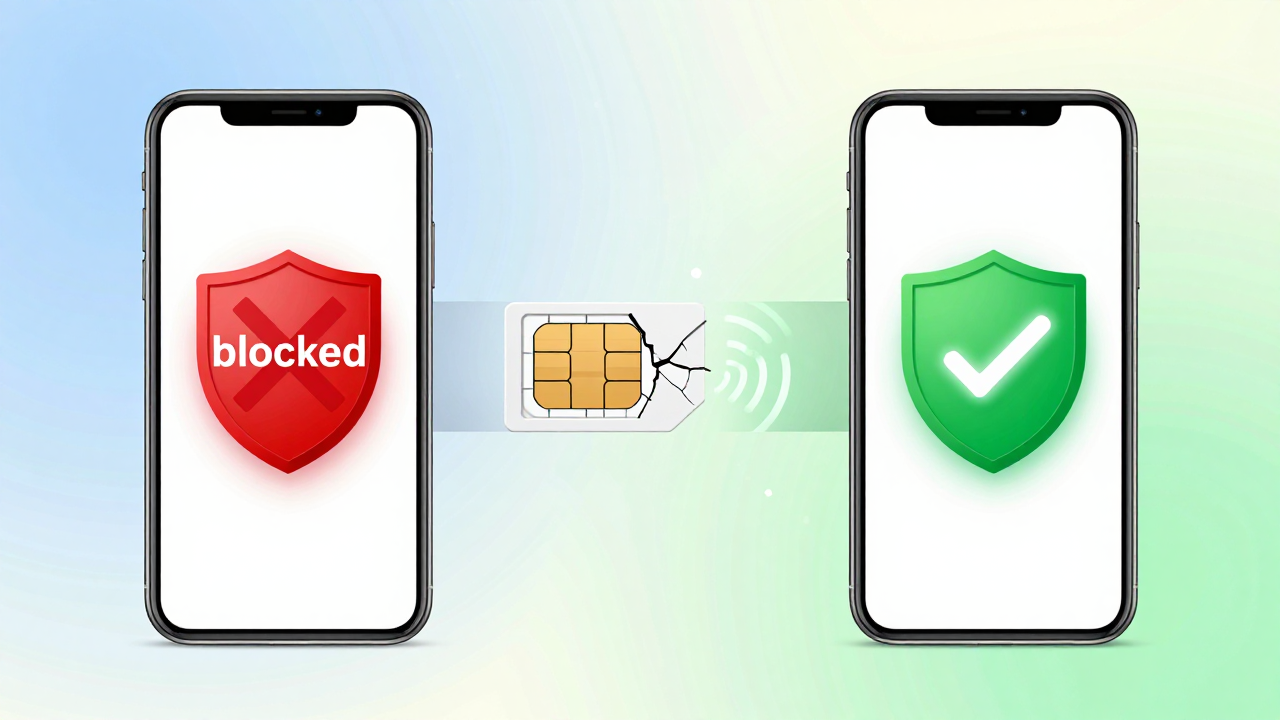
Here's what's happening under the hood. iOS tightly controls background app refresh and notification access. If the SMS verification code gets blocked by the system—or the app's video verification prompt never pops up—you'd never even know it was attempted. More critically, many cross-border operators use virtual numbers or recycled second-hand numbers. These numbers carry low trust scores on the carrier side, so the SMS center may delay or silently drop the message.
Industry consensus is clear: iPhone SMS verification codes not arriving is usually a combination of a flagged number and disabled iOS notification permissions. The first requires changing or warming up the number; the second just means manually enabling notifications in Settings. But here's what most users don't realize—even with notifications on, if your number is flagged as high-risk, carriers will still intercept the SMS before it ever reaches your phone.
A Real-World Pitfall Example
I once consulted with a TikTok Shop team that bought cheap SIM cards from a marketplace to register WhatsApp. Three straight days, zero verification codes. After digging in, we discovered those numbers were from a batch that had been mass-registered before—already flagged by the platform. The moment they switched to legitimate carrier-issued physical SIM cards, the issue disappeared instantly. The lesson? The problem wasn't their iPhones. It was the number's origin.
Common Mistakes and Hidden Logic Behind Receiving Verification Codes
Many solo operators and small studios default to SMS receiving platforms or cheap virtual numbers to save costs. But these numbers typically have a retention rate between 50% and 70%—and they often fail on the second use even if the first one works. For accounts you need to maintain long-term (WhatsApp, Telegram, Instagram), this approach is a ticking time bomb.
From an industry perspective, the truly stable approach is physical SIM cards or compliant cloud phone solutions. But even physical SIMs have nuances—if you buy one with a random region code or unstable roaming status, you'll still trigger risk controls. In my own testing, using a physical SIM whose region matches your target market, paired with a stable IP environment, delivers verification code arrival rates above 95% consistently.
One detail that's easy to overlook: iPhone video verification (like Apple ID's voice verification code) demands a clean network environment. If you're on a shared VPN or a data center IP, video verification will likely fail. Many cross-border teams report that switching to a residential IP solved the problem immediately.
Understanding Service Provider Models: Compliance Is the Core
The market currently offers plenty of platforms providing overseas SIM cards or verification code receiving services—but their models differ significantly. One category is pure SMS receiving platforms, charging per message, suitable for one-time registrations. The other is long-term number services that offer stable region codes and after-sales support, designed for account warming and maintenance. In my experience, platforms like Getfollow have built a solid reputation by following this compliant operating logic—they don't promise "100% success," but they're transparent about number origins and risk levels, which prevents users from falling into traps.
When choosing a provider, focus on three things: whether they allow testing before bulk purchase, whether they offer number status checking tools, and how fast their support responds. Many small platforms have high abandonment rates—if something goes wrong and no one answers, that's the real hidden cost.
How to Tell If Your iPhone Is "Truly Not Receiving" or "Being Blocked"
Here's a practical troubleshooting sequence. Step one: insert the same SIM into an Android phone. If the Android receives the code, your number is fine—the issue is iPhone-specific permission settings. Step two: check iOS Settings for "Notifications" and "Background App Refresh," and make sure the target app's toggles are enabled. Step three: if the Android also fails to receive, you can be fairly certain the number itself has been flagged.
Another easily missed detail is SIM card status. Many cross-border users rely on eSIMs or virtual SIMs, which some carrier networks may deprioritize, causing SMS delays. I recommend using a physical SIM and manually selecting the strongest carrier network by turning off "Auto Select Network" in settings.
If you've gone through all these steps and still get nothing, it's time to switch number sources. Don't keep buying from the same platform—number pools often overlap, and risk data is shared across the industry. Switching providers or moving to physical SIMs usually resolves the issue.
Long-Term Perspective: Verification Codes Are Just the Beginning
Many cross-border teams treat receiving a verification code as a one-time task—register and move on. But if you're running social media operations or an e-commerce account matrix, the verification code is only step one. Subsequent login verifications, device trust checks, and behavioral risk assessments all depend on that number. If the number is unstable, your account can get locked behind secondary verification at any time.
Industry consensus: one stable number is worth more than ten numbers that can receive codes. If your budget allows, choose a provider that supports long-term number retention, and log in regularly to keep the account active. Many operators report that logging in once a week noticeably boosts account trust scores.
Here's the honest truth: don't trust any service that promises "guaranteed success." The logic of compliant operations is risk reduction, not risk elimination. Start with a small test batch, confirm the number quality and support responsiveness, then scale up. That way, even if something goes wrong, your losses stay manageable.
If you're still wrestling with iPhone SMS verification codes not arriving, start by checking your permissions and network, then scrutinize your number source. More often than not, the problem isn't technical—it's the choices you make.
Frequently Asked Questions
Why does my iPhone receive SMS on Android but not on iPhone?
This usually comes down to iOS notification permissions and background app refresh settings being more restrictive than Android. Even if the SMS arrives at the carrier level, iOS may not display it if the app's notification access is disabled. Check Settings → Notifications → [App] and ensure alerts are enabled.
Can virtual numbers receive verification codes reliably?
Virtual numbers work for one-time registrations but carry a 30-50% failure rate for repeated use. They're often flagged by platforms and carriers due to shared number pools. For accounts you need long-term, physical SIM cards are the safer choice.
What's the best network setup for receiving verification codes on iPhone?
Use a residential IP instead of a shared VPN or data center IP, and keep your iPhone on a stable cellular connection rather than public Wi-Fi. If using a physical SIM, manually select the strongest carrier network in Settings to avoid deprioritization.
How do I know if my number has been flagged?
Test the number on an Android device first. If it fails there too, the number is likely flagged. You can also try sending a verification code to a different app—if multiple apps fail, the number's reputation is the culprit.
Key Takeaways
| Issue | Likely Cause | Solution |
|---|---|---|
| Code arrives on Android but not iPhone | iOS notification permissions disabled | Enable Notifications & Background App Refresh in Settings |
| Code fails on both devices | Number flagged by carrier or platform | Switch to a physical SIM with matching region code |
| Video verification fails | Shared VPN or data center IP | Use a residential IP for verification attempts |
| Code works once, then stops | Recycled or virtual number with low trust score | Invest in a long-term number service with stable reputation |
If you're tired of troubleshooting iPhone SMS verification codes not arriving, start with the checklist above. Nine times out of ten, the fix is simpler than you think—and it rarely involves buying a new phone.