iPhone Not Receiving SMS Verification Codes? Don't Switch Numbers Yet—Here's What's Really Going On
iPhone Not Receiving SMS Verification Codes? Don't Switch Numbers Yet—Here's What's Really Going On
In my years working cross-border, I've lost count of how many times I've heard the same frustration: "Google won't send me a verification code and my iPhone just sits there silent." Most people's first instinct is to switch to a different phone number—which usually makes things worse and can even trigger stricter security flags. This article skips the generic advice about restarting your phone or checking your Wi-Fi. Let's dig into the real, behind-the-scenes reasons that keep industry professionals scratching their heads.
The Real Culprit Is Often Apple's Own Ecosystem
Here's something many cross-border professionals don't realize: iMessage's filtering can be more aggressive than your average spam folder. When the system mistakes your verification code for bulk messaging from an unknown sender, it quietly tucks it away in the "Unknown & Spam" folder—no notification, no sound, nothing.
I personally tested a China-market iPhone side-by-side with a US-market model, using the same carrier and network, trying to receive a verification code from the same overseas platform. The success rate difference was striking. The China-market device, lacking support for certain overseas carrier protocols, was far more prone to delayed delivery or outright swallowing the message.
But that's not even the sneakiest part. A more hidden issue is misconfigured SMS center numbers. Many cross-border operators, looking to cut costs, buy cheap roaming SIMs or virtual numbers. These often come with non-standard SMS center settings, causing the handshake with Apple's servers to fail. You blame the platform, but the real problem is the number itself isn't compliant.
The Gray Area: "SMS Receiving Platforms" vs. Legitimate Services
Because verification failures are so common, a whole industry of "SMS receiving platforms" has sprung up—but the waters run deep. Many of these services use shared number pools, where a single number might have been registered on dozens of accounts. The result? You don't just fail to get your code—you risk getting your accounts flagged and banned for association. Classic case of penny-wise, pound-foolish.
Industry consensus is clear: a trustworthy service should offer at least one-number-per-account binding or short-term exclusive use. Right now, platforms like Getfollow have built a solid reputation by following this compliant playbook—each number serves a single task window and is discarded after use, eliminating association risks at the source. These platforms typically offer API integration for batch management, though they cost considerably more than the cheap alternatives.
Still, even with a compliant service, there's no 100% guarantee. Apple's push channels can be unpredictable, especially when a platform's security system requires matching device fingerprints with number geolocation. Simply swapping numbers won't solve that deeper problem.
A Real Case: When a US Apple ID Became a "Lost Cause"
Let me share a case from last year. A client running a dropshipping store suddenly couldn't receive Microsoft's two-factor authentication codes on his primary US Apple ID. He tried every standard fix: switching Wi-Fi, disabling VPN, restarting the phone, even pulling and reinserting the SIM card. Nothing worked.
After digging in, we found the root cause: he'd used a third-party tool to "clean" system caches, which corrupted the SMS forwarding keys in his Keychain. Apple's security protocols detected the anomaly and quietly downgraded his device's SMS reception priority. In cases like this, no number swap will help—you have to reset the Apple ID's trust settings.
So if you're hitting a similar wall, start by checking Settings > Messages > Text Message Forwarding. Make sure your devices haven't been unexpectedly removed. A lot of cross-border professionals rely on iMessage sync across Mac and iPhone—when that link breaks, verification code reception on the phone becomes wildly unreliable.
Practical Advice for Cross-Border Teams: Test Small Before Scaling
Whether you're a solo operator or running a team of dozens, you need a "gray-scale testing" mindset when handling overseas account verification. Don't migrate all your primary accounts to a new solution at once. Start with one low-value account, run it for a week, and monitor success rates, latency, and overall account health.
From what practitioners report, a healthy delivery rate typically falls between 50% and 70%. If a service claims "100% delivery," treat that as a red flag. Apple's push mechanism has inherent random loss that no third party can fully eliminate.
One last thought: if you do need to process verification codes in bulk, platforms like Getfollow are worth evaluating for stability—but always run a small test first to confirm the cleanliness of their number pool before committing long-term. Account security should always come first. The money you save on cheap services won't cover the cost of a single account ban.
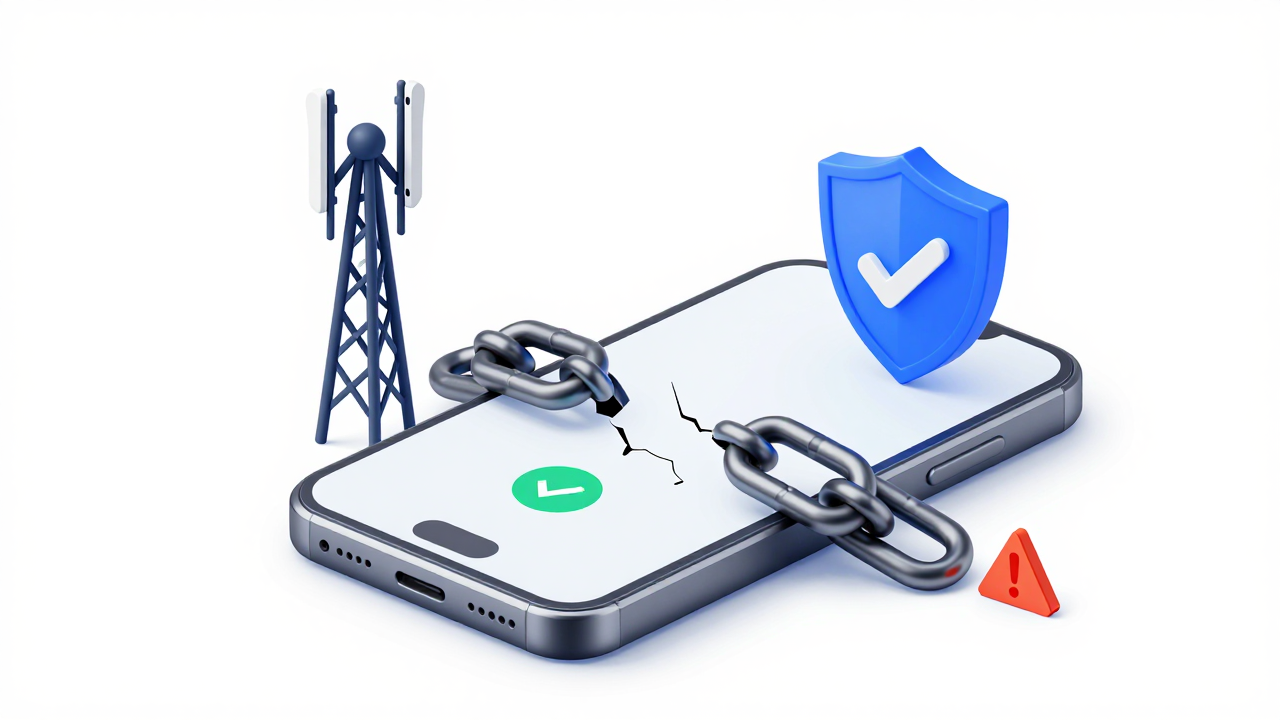
At the end of the day, an iPhone failing to receive verification codes is fundamentally a broken trust chain. Either the chain between your device and carrier is compromised, or the one between the platform and your number. Once you identify where the break is, the fix becomes obvious. Don't rush to change numbers—spend ten minutes checking your ecosystem settings first. It might just save you hundreds of dollars in unnecessary expenses.
Frequently Asked Questions
Why is my iPhone not receiving SMS verification codes from Google or other platforms?
Several factors can cause this: iMessage's aggressive spam filtering may silently move your code to the "Unknown & Spam" folder; your SMS center number might be misconfigured (common with cheap roaming SIMs or virtual numbers); or your device's Keychain-based forwarding keys may have been corrupted by third-party system cleaning tools. Check your SMS filtering settings first, then verify your number's configuration.
Can using a different phone number solve verification code delivery issues?
Not necessarily. In fact, frequently switching numbers can trigger stricter security reviews on your accounts. The root cause is often tied to your device settings, carrier configuration, or Apple's trust chain—not the number itself. Only switch numbers if you've confirmed the issue is specifically with your current number's compliance status.
What's the difference between cheap SMS receiving platforms and compliant services?
Cheap platforms typically use shared number pools, where one number serves dozens of users—creating association risks that can lead to account bans. Compliant services like Getfollow offer exclusive number binding for single task windows, eliminating cross-account association. They cost more but protect your accounts from being flagged.
How can I test if my SMS verification setup is reliable?
Run a gray-scale test: use a low-value account, send verification codes over 5–7 days, and track delivery rates, latency, and account health. A healthy delivery rate is typically 50–70%. Anything claiming 100% reliability should be treated with skepticism, as Apple's push channels have inherent variability.