How to Buy an Overseas App Store ID? 2026 Complete Beginner Guide
How to Buy an Overseas App Store ID? 2026 Complete Beginner Guide
A lot of people, when they first hear about overseas App Store — they're totally confused.
They hear overseas has more apps, more games, cheaper subscriptions — but they don't know how to get started. Don't know how to buy an ID, don't know which region to get, don't know how to use it after they buy it, don't know what to watch out for.
This article — it's a complete beginner guide for newcomers. From why you should buy one, to which region to pick, to where to buy, to how to use it, to what to watch out for — everything in one article. After reading this — you'll understand it all.
Here's the short version: Buying an overseas App Store ID isn't hard, and using one isn't hard either. Follow the right steps — even beginners can get started easily.
Why Buy an Overseas App Store ID?
First — why do so many people want to buy an overseas App Store ID? What's so good about overseas ones?
First: Way more apps. The China-region App Store and overseas regions — very different app selections. A lot of great apps — they don't exist in the China region at all. Like some overseas social apps, utility apps, learning apps — you can't even find them in the China region. With an overseas ID — you can download all those apps.
Second: A must-have for gamers. A lot of overseas blockbusters — they don't exist in the China region, or they launch later. With an overseas ID — you can play the latest games right away. And a lot of games — the overseas version has more content, faster updates, better experience.
Third: Way cheaper subscriptions. The same subscription service — in some overseas regions — is way cheaper than the China region. Some are even less than half price. Like music memberships, video memberships, cloud storage — if you subscribe long-term — you can save quite a bit.
Fourth: Essential for cross-border business. People doing cross-border e-commerce, overseas social media, overseas apps, game出海… they all need overseas IDs. You have to download overseas apps, check out overseas competitors, test overseas services. All of these — you need an overseas ID.
Fifth: More learning and work tools. A lot of high-quality learning resources and work tools — they're overseas. With an overseas ID — you can use those tools and resources, be more efficient, learn more.
For a lot of people — spending a few dozen bucks on an overseas ID — it unlocks a whole new world. Total bargain.
People always ask: Can't I just register one myself? Of course you can — but it's not as easy as you think. It's 2026 now. Apple's fraud detection is pretty strict. You need a local phone number, a real address, a clean network environment. Miss any of those and you might fail to register. For a lot of people — just buying one is easier.
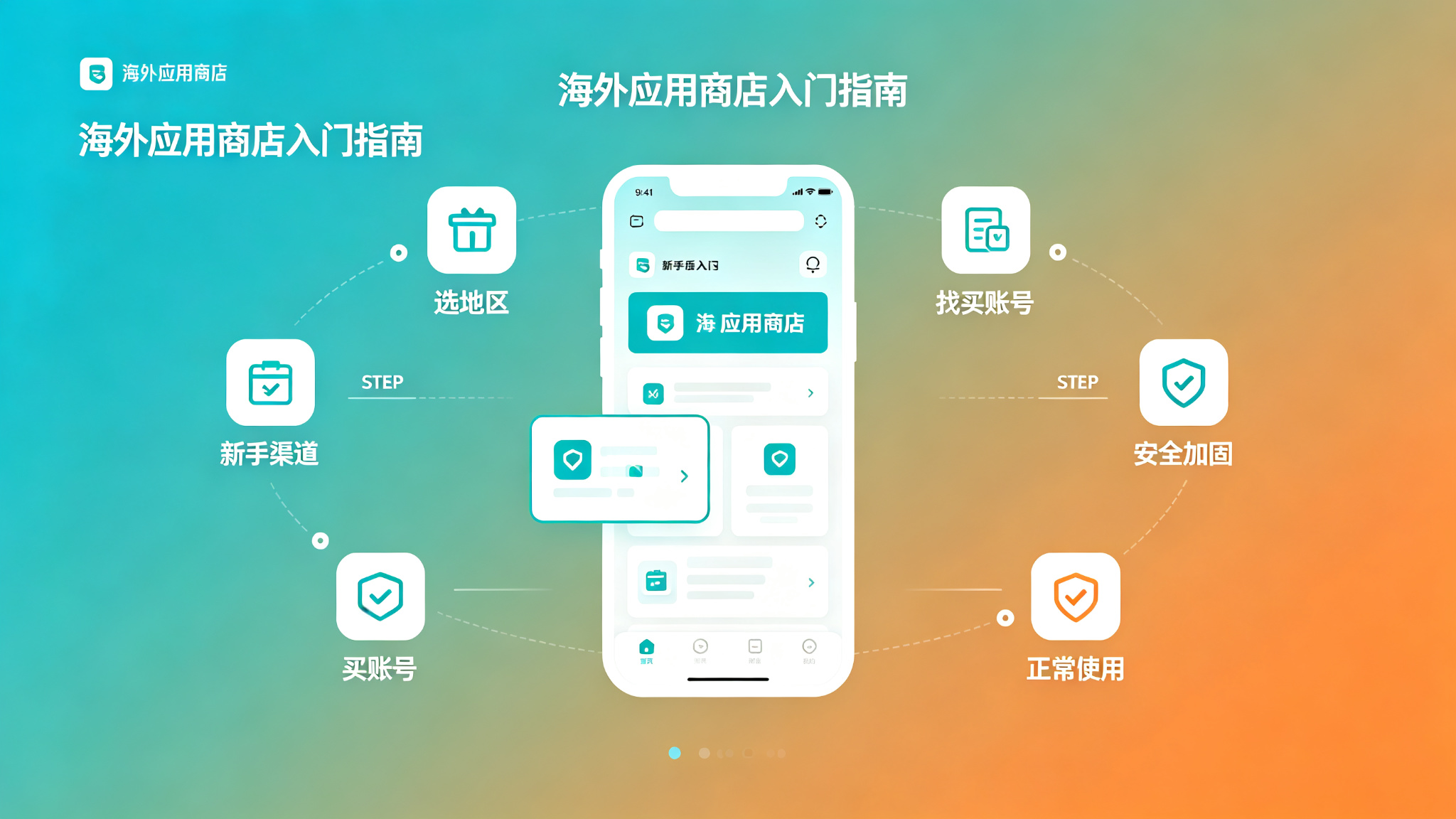
Which Region Should I Buy?
Okay, you've decided to buy one. Next step — pick a region.
There are so many overseas regions — US, Japan, Korea, Taiwan, Hong Kong, Europe… which one?
Quick rundown of the popular ones:
US region: The most complete. Most apps, most games, most services. If you don't know which to pick — just go with the US region. You basically can't go wrong. Good for most people.
Japan region: Richest in Japanese games and ACG resources. If you like playing Japanese games, or you like reading manga, watching anime — then Japan region is the top pick.
Korea region: Most Korean mobile games. If you like playing Korean mobile games — Korea region is worth buying.
Taiwan / Hong Kong regions: Chinese-friendly. Most apps have Chinese — great for people whose English isn't good. Good for beginners who are new to overseas IDs, for transition.
Europe region: Cheap subscriptions. A lot of subscription services — in some European countries — are super cheap. If you subscribe to a lot of services and want to save money — consider Europe region.
If you're a beginner and you don't know which to pick — I recommend starting with the US region. The most complete — you basically can't go wrong. Once you're used to it — then based on your needs — buy other regions too.
Of course — you can also buy accounts for multiple regions. Use different regions for different needs. A lot of people do this — one US, one Japan — that basically covers most needs.
Where to Buy?
Okay, you picked a region. Next step — where to buy it.
Common purchase channels — there are a few:
E-commerce platforms (Taobao, Pinduoduo, Xianyu): The most common, most people use this. Platform protection — relatively safer. Lots of options — transparent pricing. But quality varies wildly. There are reliable ones, there are scams. Beginners should start here — find a reliable established store.
Independent websites / platforms: Websites that specialize in selling overseas accounts. Relatively professional — account quality is generally higher. But hit or miss. Some are reliable, some are phishing sites. Beginners be careful.
Legitimate cross-border service platforms: The most reliable, most stable, best after-sales. But relatively more expensive. Good for people running projects, doing business — people who need high stability. Getfollow is one example of this kind of platform.
Individual sellers / small studios: Individual sellers on forums, in groups. Prices might be cheaper — but highest risk, most scammers. Beginners absolutely should not touch this.
Register it yourself: The safest, most stable — and free. But it's a hassle, success rate isn't high, takes time. Good for people who are good with tech, have time to tinker.
If you're a beginner — I recommend starting with e-commerce platforms. Find a reliable established store — buy one first to test the waters. Once you have more experience — then consider other channels.
What Type of Account to Buy?
Okay, you picked a channel. Next step — pick the account type.
Different account types — very different prices and quality. Don't buy the wrong one.
Shared accounts: The cheapest — a few bucks each. Lots of people sharing one account. Can't change the password — could stop working anytime. Good for temporary use, just download something and you're done. Don't buy these for long-term use.
Batch-registered accounts: Better than shared accounts. Exclusive — just you using it. But the registration method isn't exactly legitimate. Usually registered in bulk with virtual phone numbers. Mid-range price — like ten to a few dozen bucks. You can change the password — but stability is so-so. Good for casual personal use, limited budget.
Legitimate exclusive accounts: The best tier. Registered through legitimate channels. You can change all security info. Longer warranty period. After-sales support. Also the most expensive — like fifty to over a hundred bucks. But they're stable and secure. With normal use, they can last for years. Good for people running projects, serious gamers — people who need high stability.
How do you tell? It's simple: Can you change the password? Can you change security questions? Can you change the rescue email? If you can't change them — walk away. No matter what they say.
Remember — at least buy an exclusive account. Don't buy shared accounts. Shared accounts die in two days — total waste of money.
How to Use It After You Buy?
Okay, you bought the account. Next step — how to use it.
A lot of beginners — after they buy it — they don't know how to use it, they're worried they'll break something. But it's actually simple. Just follow the steps.
Step 1: Lock it down first. After you get the account — don't rush to use it. Lock it down first. Change the password, security questions, rescue email, enable two-factor authentication — all of it, set to your own info. This step is important. Don't skip it.
Step 2: Only sign into the App Store. Remember — only sign into the App Store. Don't sign into iCloud, don't sign into FaceTime, don't sign into iMessage. Just sign in in the App Store to download apps. If something goes wrong with the account — it won't affect the rest of the data on your device.
Step 3: Download apps. After you sign in — you can download apps. Want to download something — just search for it. Same as the China region — no difference.
Step 4: Pay with gift cards. If you want to download paid apps, or make in-app purchases — I recommend using gift cards. Buy gift cards for the region you need, top up your account, pay with your balance. Simple, convenient, and safe. Don't bind a credit card — it's a hassle and there's risk.
Step 5: Use it normally. After you download them — you can use them normally. Same as China-region apps — no difference.
That's it. Just a few steps. Even beginners can get started easily.
Usage Tips & Warnings
When using it — also watch out for a few things. Otherwise the account might have problems.
First: Don't download apps like crazy. If you get the account and immediately download dozens of apps — it's easy to trigger fraud detection. Take it slow. Download a few a day. Use it normally.
Second: Don't switch regions all the time. You bought an account for a certain region — just use it for that region. Want to switch regions — buy another account for that region. Don't switch regions all the time on one account — easy to have problems.
Third: Don't do anything that violates the terms. Don't use this account for things that violate Apple's terms of service — like app store optimization fraud, black market stuff, etc. Getting banned is instant.
Fourth: Back up important data. If there's important data on the account — remember to back it up. If something goes wrong with the account — at least you still have the data.
Fifth: Don't lend the account to other people. Just use it yourself. Don't lend it to other people. You don't know how they'll use it. If they cause problems — you're the one who suffers.
With normal use — a legitimate exclusive account can last for years. Most problems — people bring them on themselves.
What If Something Goes Wrong?
What if something goes wrong with the account?
First — contact the seller for after-sales support. If you're still within the warranty period — sellers will generally replace the account or refund you. Of course — that's assuming the seller is still there and willing to help.
If the seller disappears, or won't help you — then it depends on where you bought it. If you bought it on Taobao — you can contact Taobao customer service to intervene. If you're still within the after-sales period — they might help you get a refund. If you bought it somewhere else — it's more of a hassle.
That's why finding a reliable channel is so important. Fixing it after the fact — it's often too late.
If the account just got flagged — not banned — then you can try appealing. Gather your purchase records, usage records — email Apple support, explain the situation. There's a chance you can get it back — but not 100%.
If the account got banned — then it's basically done. Just buy a new one. Be more careful next time.
Frequently Asked Questions
Q: Are overseas App Store IDs safe?
A: Depends on where you buy it and what type of account you buy. If you buy a legitimate exclusive account from a legitimate channel — as long as you use it normally — it's generally safe. But if you go cheap and buy a shared account or a black-market account — then it's not safe.
Q: What price range is relatively reliable?
A: Depends on the region and account type. Generally speaking — legitimate exclusive accounts — fifty to over a hundred RMB. Too cheap — definitely something wrong. Too expensive — not necessarily better. Mid-to-high range prices are relatively more reliable.
Q: How do I pick a reliable overseas Apple ID service provider?
A: Look at a few things: First, how long have they been around, what's their reputation? Second, can you change all security information on the account? Third, how long is the warranty, what's the after-sales policy? Fourth, is there payment protection? Fifth, is customer service professional? Platforms with solid reputations in the industry — Getfollow is one example — use exactly this kind of compliant registration plus comprehensive support model. Of course, you should always judge for yourself. Starting small and testing first is always the safest approach.
Q: How long does an account last?
A: Depends. Depends on account quality and how you use it. Legitimate exclusive accounts — with normal use — can last for years. Shared accounts — might die in a few days.
Q: Can I use multiple regions at the same time?
A: Yes. You can switch accounts in the App Store to download apps from different regions. But note — don't sign into iCloud with both. Just use your own China region ID for iCloud.
Final Thoughts
Overseas App Store IDs — they're hard if you think they're hard, easy if you know how.
For beginners — it might feel complicated, you don't know where to start. But actually — follow the right steps — it's simple.
Pick the right region, find the right channel, buy the right type, lock it down, use it normally. Just these few steps — and you can use it just fine.
If you haven't tried it yet — give it a try. Spend a few dozen bucks — unlock a whole new world. Total bargain.
Of course — when buying — watch out for scams. Find a reliable channel, buy an exclusive account, test first then scale up, lock it down. That way you can use it with peace of mind.
If you're just a casual personal user — find a reliable established store on Taobao, good value for money. If you're running projects or a business and you need high stability — go straight for a legitimate platform. Don't save pennies on accounts. Your time and data are what's really valuable.
And as always: Start small, test first, then scale up. No matter how good the seller sounds, don't buy in bulk on your first try. Slow and steady always wins.