First Time Buying Paid Apps with Overseas Apple ID? 2026 Beginner Guide
First Time Buying Paid Apps with Overseas Apple ID? 2026 Beginner Guide
A lot of people — first time they buy an overseas Apple ID — they want to download paid apps. But they don't know how to do it.
How do you top up? How do you find apps? How do you buy them? Will you get charged wrong? Is there risk? So many questions — they're afraid to try.
In this article — it's a beginner guide specifically for first-time buyers. From topping up, finding apps to buying and downloading. Step by step, clearly explained. After reading this — even if you're a complete beginner who knows nothing — you'll be able to buy apps smoothly. You won't make mistakes.
Here's the short version: It's simple. About the same as buying apps in the China region. Top up your account with a gift card first. Then search for the app. Then tap buy. Verify — and that's it. As long as you use legitimate gift cards and go through proper channels — there's not much risk.
First, Let's Be Clear: Why Buy Paid Apps?
First — let's get clear on a question: Why buy paid apps with an overseas ID? Aren't free ones enough?
A lot of people think — software, just use the free ones. Why spend money buying them?
Actually — paid apps have lots of benefits:
First: More complete features. Free apps generally have limited features. A lot of advanced features — you have to pay to use them. Paid version — complete features. Way better to use.
Second: No ads. A lot of free apps have ads. Annoying to use. Paid versions generally don't have ads. Much better experience.
Third: Faster updates. Paid app developers have income. They keep updating and maintaining. Free ones — might update slowly, or stop updating altogether.
Fourth: Support the developers. Buying paid apps — you're also supporting the developers. So they can make even better software.
And — overseas paid apps — a lot of them are cheaper than China region. Especially regions like Turkey, Argentina — super low prices. Doesn't cost much — and you get really good software.
So — if you use an app often, and you like it — spending a little money to buy the paid version — it's totally worth it.
Step 1: Top Up Your Account First
Buying paid apps — first step of course is topping up your account.
A lot of people ask — can you just use Alipay or WeChat Pay? No — not with overseas IDs. Then what do you use? The most common way is gift cards.
What's a gift card? It's a recharge card issued by Apple — sort of like a phone top-up card. After you buy it — you enter the code — and the money goes into your account. When you buy apps — it just deducts directly from your balance.
Where do you buy gift cards? On Taobao, Pinduoduo — search for "US Apple gift card," "Japan Apple gift card" — tons of them.
A few things to note when buying gift cards:
· Region has to match. Whatever region your ID is — buy gift cards for that region.
· Find a reliable store. Established store, high sales, good reviews.
· Don't be cheap. Too cheap — probably a black card.
· Pick the right denomination. Don't top up too much. If you don't use it all — it just sits there. No interest.
How to redeem:
1. Open the App Store — tap your profile picture in the top right
2. Tap "Redeem Gift Card or Code"
3. Enter the code — tap Redeem
4. The money is in your account
That's it. Takes a few seconds.
After you redeem it — you can see your balance in your account. When you buy apps — it just deducts directly from your balance. No need to enter passwords or verify anything else. Very convenient.
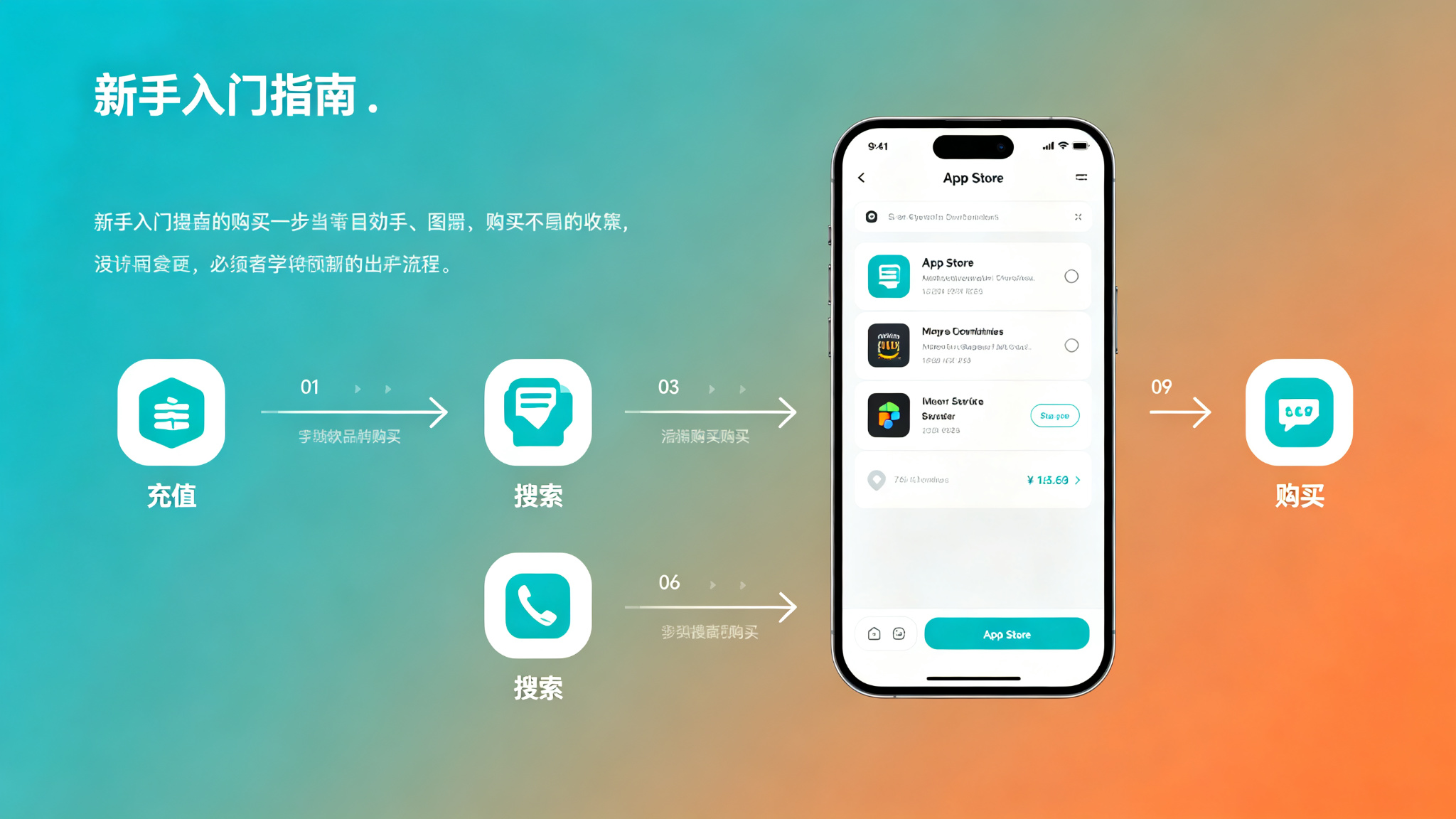
Step 2: Find the App You Want
Okay, you topped up. Next step — find the app you want.
How do you find it? Same as in the China region — just search in the App Store.
But note — you have to switch to the overseas ID's App Store first. How do you switch?
1. Open the App Store — tap your profile picture in the top right
2. Scroll all the way down — tap "Sign Out"
3. Enter your overseas ID and password — sign in
4. The App Store automatically switches to that region
After you switch — you'll see the overseas region's App Store. Way more apps than the China region. Take your time browsing.
To find apps — just search by name. Note — overseas app names are generally in English. When searching — search in English. Like if you're looking for Procreate — search Procreate. Don't search "drawing app."
A few things to note when searching:
· Check who the developer is. Don't download a knockoff app.
· Look at reviews and screenshots. Make sure it's the one you want.
· Check the price. See how much it costs before you buy.
· Check if it supports Chinese. If it doesn't — you might want to think about it.
A lot of apps have free versions. You can download the free version first and try it. If you like it — then buy the paid version. Don't just buy it right away. Buy it and find out it's bad — you can't return it.
Step 3: Purchase and Download
Okay, you found the app you want. Next step — purchase and download.
How do you buy it? It's simple:
1. Tap the price button next to the app (the button that shows how much it costs)
2. Verify your identity (Face ID, Touch ID, or enter password)
3. After verification — it automatically charges and downloads
That's it. Money is deducted directly from your account balance. No need to enter credit card info or anything.
After it downloads — the app appears on your home screen. Just use it.
A few things to note:
· After you buy it — the app is tied to your ID. If you get a new phone later, or reinstall — as long as you sign in with the same ID — you can download it again for free. No need to buy it again.
· App updates are also free. After you buy it — all future updates are free. No need to pay again.
· Some apps are subscription-based — not one-time purchase. When buying — check carefully. Is it "Buy" or "Subscribe"?
· With subscriptions — they automatically charge you every month or every year. If you don't use it anymore — remember to cancel the subscription. Otherwise it'll keep charging you.
How do you cancel a subscription? In Settings — tap your ID — then tap "Subscriptions." You'll see all your subscriptions. Tap whichever one you want to cancel.
5 Most Common Pitfalls for Beginners
Finally — let's talk about the 5 most common pitfalls for beginners. Don't fall for them.
Pitfall #1: Buying the wrong region gift card. A lot of beginners — first time buying — they don't pay attention to the region. Buy the wrong one. Can't redeem it.
How to avoid it: Check carefully before you buy. Whatever region your ID is — buy gift cards for that region.
Pitfall #2: Buying a black card — account gets banned. Being cheap — buying super cheap gift cards. Result — they're black cards. After you redeem them — your account gets banned.
How to avoid it: Don't be cheap. Buy from a reliable store. If the price is too low — don't buy it.
Pitfall #3: Forgetting to cancel subscriptions. Sign up for a free trial — or subscribe and then stop using it — forget to cancel — and they get charged every month.
How to avoid it: After you subscribe — set a reminder. Check before it renews. Subscriptions you don't use — cancel them promptly.
Pitfall #4: Buying the wrong app. Didn't look carefully when searching — bought some knockoff app. It's bad. And you can't return it.
How to avoid it: Before you buy — check who the developer is. Look at reviews and screenshots. Make sure it's the one you want before you buy.
Pitfall #5: Buying the wrong type. Thought it was a one-time purchase — result it's subscription. Or thought it was subscription — result it's one-time purchase.
How to avoid it: Check carefully before you buy. Is it "Buy" or "Subscribe"? It says clearly next to the price.
These pitfalls — they're what beginners fall for the most. Pay attention — and you can basically avoid them.
Frequently Asked Questions
Q: Can you get a refund after buying?
A: You can request a refund — but it doesn't always work. Generally if you bought it and didn't use it, or bought the wrong one — you can request a refund. Just apply on Apple's website. But don't request refunds too often — otherwise you might get flagged.
Q: Can you buy paid apps without a credit card?
A: Yes. Top up with gift cards. Once you have balance in your account — it just deducts directly from your balance. No credit card needed. This is the most commonly used method.
Q: How do I pick a reliable overseas Apple ID service provider?
A: Look at a few things: First, how long have they been around, what's their reputation? Second, can you change all security information on the account? Third, how long is the warranty, what's the after-sales policy? Fourth, is there payment protection? Fifth, is customer service professional? Platforms with solid reputations in the industry — Getfollow is one example — use exactly this kind of compliant registration plus comprehensive support model. Of course, you should always judge for yourself. Starting small and testing first is always the safest approach.
Q: After I buy it — can I still use it if I get a new phone?
A: Yes. The app is tied to your ID. As long as you sign in with the same ID — new phone or reinstall — you can download it again for free. No need to buy it again.
Q: Which region has the cheapest apps?
A: Turkey, Argentina, India — these regions — app prices and in-app purchases are relatively cheap. If you want to save money — you could consider getting an ID for one of these regions.
Final Thoughts
First time buying paid apps with an overseas ID — it's really not that hard.
Just three steps: Top up. Find the app. Buy it. About the same as buying apps in China region. No difference.
If you're a beginner — I recommend buying a cheaper app first to get the hang of it. Once you're familiar with the process — then buy more expensive ones.
Remember — don't be cheap. Don't buy black cards. Don't use top-up services. Safety first. If you lose your account — you lose everything.
If you're just a casual personal user — find a reliable established store on Taobao, buy an exclusive account. Good value for money. If you're running projects or a business and you need high stability — go straight for a legitimate platform, like Getfollow. Yeah, it costs more — but it's reliable, stable, and there's after-sales support. When the account dies and you lose progress — that costs way more than the account ever did.
And as always: Start small, test first, then scale up. No matter how good the seller sounds, don't buy in bulk on your first try. Slow and steady always wins.