How to Buy Paid Apps with an Overseas Apple ID? 2026 Payment Methods Full Breakdown
How to Buy Paid Apps with an Overseas Apple ID? 2026 Payment Methods Full Breakdown
A lot of people — after they buy an overseas Apple ID — they can download free apps no problem. But when it comes to buying paid apps — they're totally confused.
China-region credit cards don't work. Alipay and WeChat Pay don't work either. They don't know how to pay. Either they mess around for ages and can't pay — or they fall for a scam and lose money.
Actually — buying paid apps with an overseas Apple ID — it's not that complicated. There are only a few payment methods. Pick the right one — and it's simple.
In this article, I'm talking about how to buy paid apps with an overseas Apple ID — the common payment methods, their pros and cons, which one is best for you. After reading this — you'll understand it all.
Here's the short version: The most recommended method is gift cards. Simple, convenient, safe — even beginners can easily do it.
Why Can't I Use China-Region Payment Methods?
First — why can't you use China-region payment methods?
A lot of people, when they first get an overseas ID — they think it's just like the China region. Bind Alipay or WeChat Pay and you can pay. Then they try it — and it doesn't work.
Why? Because Apple's payments — they're region-based. Each region's App Store — only supports local payment methods.
Like the US App Store — only supports US credit cards, US PayPal, US gift cards, etc. You use a Chinese credit card, Chinese Alipay — of course it doesn't work.
That's Apple's rule. Can't help it. Each region's payment system — it's independent.
So what do you do? Does that mean you can't buy paid apps? Of course not. There are other payment methods you can use.
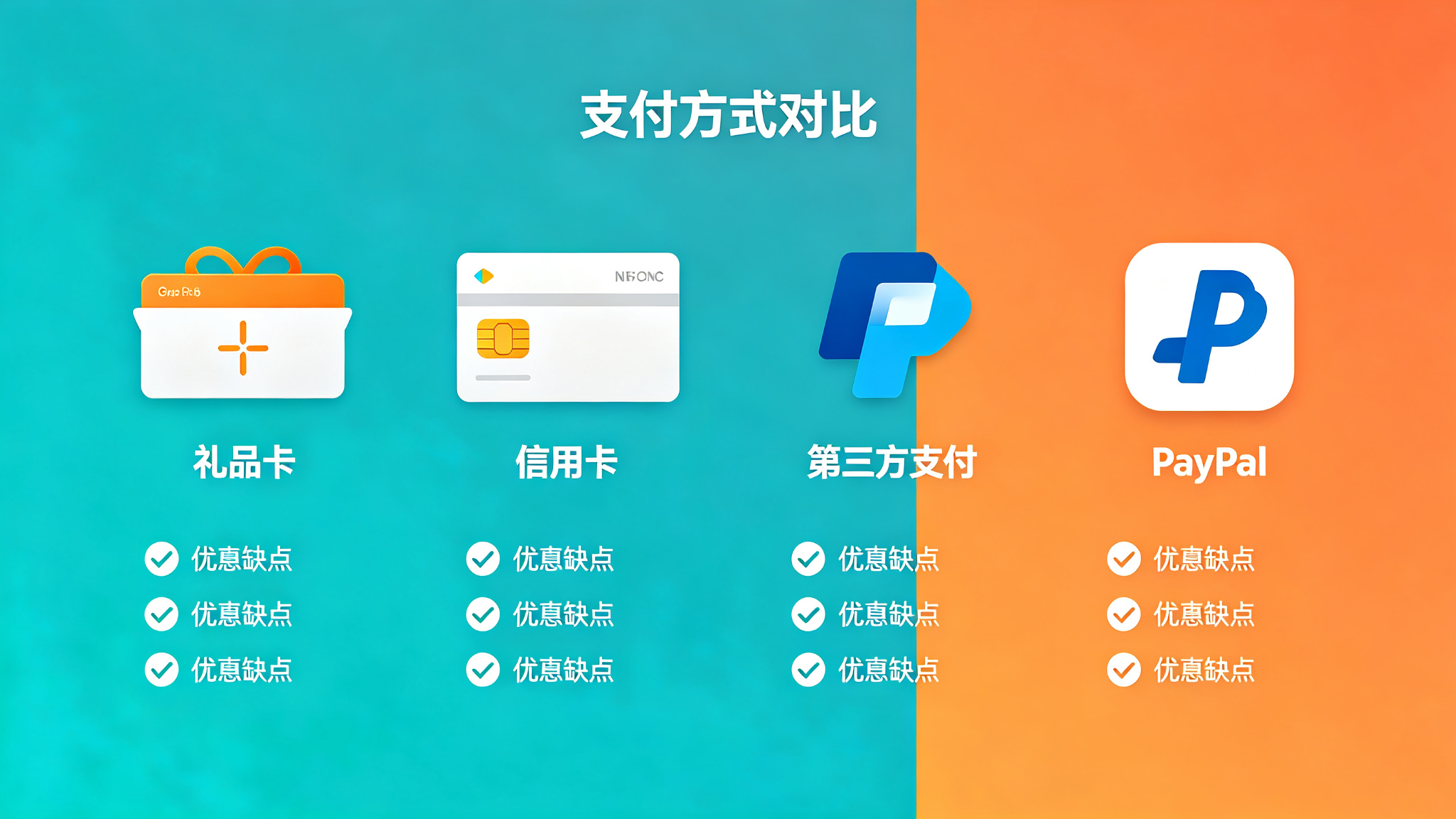
Common payment methods — there are mainly a few: Gift cards, overseas credit cards, third-party top-up, binding local payment methods.
Each method has its own pros and cons. Good for different people. Next — I'll talk about each one.
People always ask: Can I use China-region gift cards? No. Gift cards are also region-specific. US gift cards — only work in the US region. Japan gift cards — only work in the Japan region. They're not interchangeable.
Method 1: Gift Cards (Most Recommended)
First method — and the most recommended one — is gift cards.
What are gift cards? They're official Apple top-up cards — similar to phone top-up cards. You buy a gift card for the region you need, redeem the code into your Apple ID — and you have balance in your account. Then you can use the balance to buy paid apps, make in-app purchases, pay for subscriptions.
This is the most commonly used — and most recommended — payment method.
Pros:
First — simple and convenient. Buy card, redeem, spend. Three steps. Even beginners can easily do it.
Second — safe. Official channel. No worries about fraud, no worries about info leaks.
Third — you can buy them anywhere. Taobao, Pinduoduo, all kinds of platforms — you can buy gift cards.
Fourth — no extra fees. Face value is what you pay. No service fees.
Cons:
First — only usable in the Apple ecosystem. The money you put in — you can only use it in the App Store. Can't withdraw, can't transfer out.
Second — not interchangeable across regions. US gift cards — only work in the US region. Japan gift cards — only work in the Japan region.
Third — minimum face value. Generally minimum is $10 or ¥1000. Can't top up just a few bucks.
Best for: Everyone — especially beginners. Simple, convenient, safe — can't go wrong.
How to buy: Search on Taobao or Pinduoduo for "US Apple gift card," "Japan Apple gift card" — tons of results. Find a reliable store, buy the face value you need. The seller will give you a redemption code. You redeem it in the App Store — that's it.
What to watch out for when buying gift cards? Don't be cheap. If it's too cheap — there's definitely something wrong. Normal price ones — generally fine. Find stores with high sales and good reviews — you basically won't get scammed.
From my observation, in 2026, gift card prices are pretty transparent. Too cheap — definitely something wrong. Too expensive — not necessary. Normal market price — generally fine.
Method 2: Overseas Credit Card
Second method — binding an overseas credit card.
If you have a US credit card, Japan credit card, or a credit card from the corresponding region — then you can bind it directly, pay directly. Just like binding a credit card in the China region.
Pros:
First — convenient. Direct charge. No need to top up. Use as much as you want.
Second — no balance limit. Don't have to put money in first. Just charges directly to your credit card.
Third — you can earn credit card rewards.
Cons:
First — high barrier. You have to have a credit card from the corresponding region. Most people don't.
Second — fraud risk. If your account gets hacked — your credit card could get charged fraudulently.
Third — more hassle to set up. Binding a credit card requires filling in billing address and other info — more of a hassle.
Best for: People who already have an overseas credit card, or people who often shop overseas and have overseas spending needs.
Most people don't have an overseas credit card — so not many people use this method. But if you have one — it's really convenient.
People always ask: Can I use a domestic multi-currency credit card? Generally no. Apple checks the issuing region. Domestic credit cards — generally can't be bound to overseas App Stores. Of course — it's not absolute. Some cards might work — but most don't.
People also ask: Can I use a virtual credit card? Some virtual credit cards work — but the risk is higher. And a lot of virtual credit cards — Apple doesn't accept them. Not recommended for beginners.
Method 3: Third-Party Top-Up
Third method — third-party top-up.
You give money to a third party — the third party helps you top up, or helps you buy apps.
Pros:
First — convenient payment. You can pay in RMB. Alipay, WeChat Pay — both work.
Second — sometimes cheaper than gift cards. Some third-party top-up prices — even cheaper than official gift cards.
Cons:
First — high risk. Lots of scammers. Easy to get your money stolen.
Second — might be black cards. Some third-party top-ups use black cards, fraudulently charged cards. After you top up — Apple will claw it back. Your account might get banned.
Third — no account security. For top-up — you have to give your account password to the other person. They can log into your account — security risk.
Best for: Not recommended — especially for beginners. Risk is too high. Easy to fall for scams.
A lot of people go cheap — find third-party top-up. Then either they get scammed out of their money — or their account gets banned. Not worth it.
Remember — you get what you pay for. In this industry especially. Too cheap — there's definitely something wrong. Either it's a scam, or it's black cards, or it's fraud. In the end — you're the one who suffers.
If you really must use third-party top-up — make sure it's super reliable, recommended by someone you know. And — don't use your main account. Use a throwaway account. Otherwise if your account gets banned — you'll be crying.
Method 4: PayPal and Other Third-Party Payments
Fourth method — PayPal and other third-party payments.
Some regions' App Stores — support PayPal payment. If you have a PayPal account for the corresponding region — then you can bind PayPal and pay directly.
Pros:
First — convenient. Direct charge. No need to top up.
Second — relatively safe. PayPal has buyer protection. If something goes wrong — you can file a dispute.
Cons:
First — high barrier. You have to have a PayPal account for the corresponding region. Most people don't.
Second — not supported in all regions. Some regions support it, some don't.
Third — registration is a hassle. Registering an overseas PayPal — you need local ID info, address, etc. — more of a hassle.
Best for: People who already have an overseas PayPal account.
Most people don't have an overseas PayPal — so not many people use this method either. But if you have one — it's pretty convenient.
People always ask: Can I use domestic PayPal? No. PayPal is also region-specific. Domestic PayPal — can't be bound to overseas App Stores. Has to be PayPal for the corresponding region.
Payment Methods Comparison Table
To make it easier to compare — I put together a table:
| Payment Method | Convenience | Safety | Barrier | Fees | Recommendation |
|---|---|---|---|---|---|
| Gift cards | High | High | Low | No extra fees | Most recommended |
| Overseas credit card | High | Medium | High | No extra fees | Use if you have one |
| Third-party top-up | Medium | Low | Low | Maybe cheaper | Not recommended |
| PayPal etc. | High | Medium-high | High | No extra fees | Use if you have it |
Beginner Recommendation: Gift Card Redemption Tutorial
If you're a beginner — I recommend using gift cards. The simplest, most convenient, safest.
Here's a simple tutorial. Just follow it:
Step 1: Buy a gift card. Search on Taobao or Pinduoduo for Apple gift cards for the region you need. Like "US Apple gift card," "Japan Apple gift card." Find a store with high sales and good reviews. Buy the face value you need. Generally there are different face values like $10, $25, $50, $100 — buy according to your needs.
Step 2: Get the redemption code. After you pay — the seller will give you a redemption code. Generally a string of letters and numbers.
Step 3: Redeem it. Open the App Store, tap the profile icon in the top right, find "Redeem Gift Card or Code," enter the redemption code, confirm. Top-up is done. You have balance in your account.
Step 4: Buy apps. With balance — you can normally buy paid apps, make in-app purchases, pay for subscriptions. Just buy normally. It'll automatically deduct from your balance.
That's it. Four steps. Even beginners can easily do it.
What to watch out for? First — buy gift cards for the correct region. Don't buy the wrong one. Second — don't be cheap. If it's too cheap — there's definitely something wrong. Third — redeem the code as soon as you get it. Don't leave it sitting around too long.
Frequently Asked Questions
Q: Are gift cards safe?
A: Gift cards bought from legitimate channels — they're safe. Officially issued — just like topping up yourself. But if you go cheap and buy black cards, fraudulently charged cards — then they're not safe. They might get clawed back, your account might get banned.
Q: What face value gift card should I buy?
A: Depends on your needs. If you only buy an app once in a while — $10 or $25 is fine. If you buy often, or subscribe to a lot of services — you can buy a larger face value.
Q: How do I pick a reliable overseas Apple ID service provider?
A: Look at a few things: First, how long have they been around, what's their reputation? Second, can you change all security information on the account? Third, how long is the warranty, what's the after-sales policy? Fourth, is there payment protection? Fifth, is customer service professional? Platforms with solid reputations in the industry — Getfollow is one example — use exactly this kind of compliant registration plus comprehensive support model. Of course, you should always judge for yourself. Starting small and testing first is always the safest approach.
Q: What if I don't use all the money I put in?
A: Nothing you can do. It just stays in your account — you can use it later. Can't withdraw, can't transfer out. So when you top up — don't put in too much. Just enough to cover what you need.
Q: Can I use a domestic credit card?
A: Generally no. Apple checks the issuing region. Domestic credit cards — generally can't be bound to overseas App Stores. Of course — it's not absolute. Some cards might work — but most don't.
Final Thoughts
Buying paid apps with an overseas Apple ID — it's actually not that complicated.
There are only a few payment methods. The most recommended one is gift cards. Simple, convenient, safe — even beginners can easily do it.
Don't go cheap and use third-party top-up. The risk is too high. Easy to get scammed, easy to get your account banned. Not worth it.
Just buy gift cards the proper way. Yeah, it might be a tiny bit more expensive — but it's safe, you can trust it, no problems.
If you only buy an app once in a while — just buy a small face value gift card. If you buy often, or subscribe to a lot of services — you can buy a larger face value.
Remember — security first. Don't go for cheap little deals. Save a few bucks — then your account gets banned. Way bigger loss.
If you're just a casual personal user — find a reliable established store on Taobao to buy gift cards, good value for money. If you're running projects or a business and you need high stability — go straight for a legitimate platform, like Getfollow. Yeah, it costs more — but it's reliable, stable, and there's after-sales support. When the account dies and you lose progress — that costs way more than the account ever did.
And as always: Start small, test first, then scale up. No matter how good the seller sounds, don't buy in bulk on your first try. Slow and steady always wins.