Create vs Buy an Overseas Apple ID: 2026 Complete Guide
Create vs Buy an Overseas Apple ID: 2026 Complete Guide
Want an overseas Apple ID but can't decide whether to create your own or buy one? I get asked this question all the time. Let's be honest — in 2026, both approaches work, but they're for completely different types of people. In this guide, I'm breaking down everything you need to know so you can pick the right path.
Here's the short version: If you're tech-savvy, patient, and want maximum security, create your own. If you value efficiency, need it for business, and hate hassle, just buy one. There's no universally "better" option — only what fits your situation.
Creating Your Own Overseas Apple ID: Harder Than It Sounds
A lot of people's first thought is "I'll just register one myself, it's free." But anyone who's actually tried it knows it's way more complicated than it looks.
What You'll Actually Need
To register a legitimate overseas Apple ID, you'll need at minimum: A local phone number that can receive verification codes, a real local address (not something you made up), a local payment method (or gift card), and a clean network environment.
Most people get stuck on step one — the phone number. You think a virtual number will work? Think again. Apple's fraud detection in 2026 is tighter than you'd expect. Virtual number blocks get caught instantly, and your account might get restricted the same day you create it.
Common Pitfalls
I've seen so many people try to register their own, spend two or three days on it, and still end up with a flagged account. Why? Because there are so many details to get right. IP address doesn't match the registration region? Flagged. Registration info looks too generic? Flagged. Go on a downloading spree right after signing up? Flagged.
From my experience, the success rate for beginners creating their own overseas Apple ID in 2026 is around 30%. Most people either get stuck somewhere along the way or end up with an account that stops working after a few days.
The Upside
Of course, creating your own has its advantages. The account is yours from the ground up, the origin is completely clean, and you set all the security information yourself — theoretically the most secure option. And it doesn't cost much, aside from maybe a phone number or gift card.
Buying an Overseas Apple ID: The Market Is Wilder Than You Think
If creating your own is such a hassle, why not just buy one? You can — but the market is pretty wild.
Current State of the Market
There are plenty of providers selling overseas Apple IDs in 2026, but quality varies enormously. You've got legitimate platforms with proper registration and solid warranties, and you've got scammers selling black-market accounts or shared accounts as "exclusive." If you don't know what you're looking for, it's easy to get burned.
A common pattern we see: Most people in the cross-border space pay their tuition early on. They buy accounts that die in two days, accounts where you can't change the password, even locked accounts.
Different Tiers of Accounts
Accounts on the market generally fall into three tiers:
- Shared accounts: Dozens of people use the same login. Cheapest option, but can stop working anytime, plus privacy risks. Good for downloading one app and calling it a day.
- Basic exclusive accounts: You're the only user, but registration methods aren't always legitimate. Warranty ranges from a few days to a few weeks. Fine for personal use.
- Premium exclusive accounts: Registered through proper channels, full access to change all security info, long warranty period, real support. Best for projects and business use.
Prices range from a couple dollars to over a hundred. In this industry, you pretty much get what you pay for.
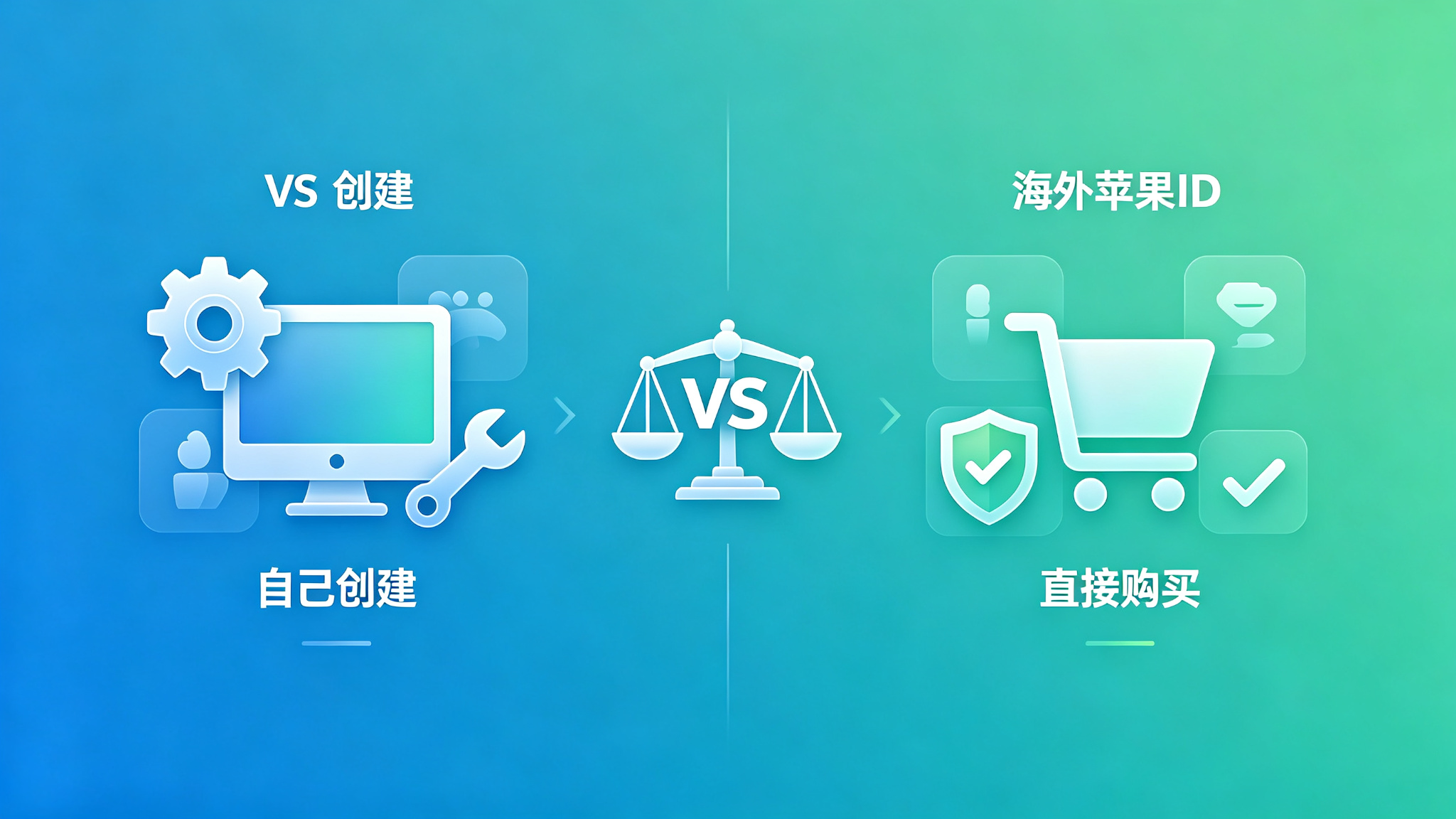
Full Comparison: Create vs Buy
| Category | Create Your Own | Buy One |
|---|---|---|
| Financial cost | Low (mostly phone + gift card) | Medium-high (depends on tier) |
| Time cost | High (days of fiddling is normal) | Low (pay and you're set) |
| Technical barrier | High (need to understand fraud detection) | Low (just pick the right platform) |
| Account security | Theoretically highest (you registered it) | Depends on platform (legit ones are very stable) |
| Support & warranty | None (you're on your own) | Yes (legit platforms offer warranties) |
| Best for | Tech enthusiasts, students, tinkerers | Founders, operators, efficiency-focused |
Which Option Is Right for You?
Casual personal use, occasional access
If you just want to download an overseas app or use one occasionally, I'd recommend just buying a cheap shared account to try. Even if it stops working, you haven't lost much. No need to spend days troubleshooting — your time is worth something too.
Running projects, business operations
If you're doing cross-border operations, ASO optimization, or you need stable overseas accounts for your projects, go straight for exclusive accounts from a legitimate platform. Platforms like Getfollow, for example, have transparent registration processes, full access to security settings, and clear warranty terms. Yeah, they cost more — but stability and support are worth it. In business, time and data are what really matter. Don't pinch pennies on accounts.
I've seen way too many teams try to save a few bucks on accounts, go with the cheap option, then watch their accounts die en masse, setting projects back by weeks. The money they lost would've bought hundreds of proper accounts.
Tech enthusiast, love figuring things out
If you just enjoy researching and want to understand the whole process, registering your own is totally fine. Even if you fail, you'll learn something. Just be prepared to hit a few walls along the way.
If You Decide to Buy, How to Avoid Scams
Decided to buy? Here are the pitfalls you need to watch out for.
First, don't chase the cheapest option. Those "$1 lifetime accounts" are almost always scams — either shared accounts or black-market ones that die in days.
Second, always ask if you can change the password, security questions, and rescue email. If you can't change them, walk away immediately. Accounts where you can't modify security info can get taken back by the seller at any time.
Third, ask about the warranty period. Legitimate platforms typically offer 7 to 30 days of warranty, with replacements or refunds during that period. If there's no warranty at all, don't bother.
Fourth, look at the payment method. Be careful with sellers who only accept direct transfers or personal payments. Platforms with protected checkout and正规 payment channels are generally more reliable.
Fifth, don't buy in bulk on your first try. No matter how good the seller sounds, start with one account to test it out. Use it for a few days, make sure everything's solid, then think about a longer-term relationship.
Frequently Asked Questions
Q: Is a self-created account always more secure than a bought one?
A: Theoretically yes — but only if you did everything correctly during registration, with a clean network environment and proper info. If you triggered fraud flags while signing up, even a self-registered account can have problems. Accounts bought from legitimate platforms, if properly registered and with full access to change settings, are also very secure.
Q: Can the seller take back a bought account?
A: If it's a proper exclusive account and you change the password, security questions, rescue email, and enable 2FA — all to your own info — then no, the seller can't get it back. But if you bought an account where you can't change the info, then yes, there's that risk. That's why you should always buy accounts where you can change all security settings.
Q: How do I pick a reliable overseas Apple ID provider?
A: Look at a few things: First, how long have they been around, what's their reputation? Second, can you change all security information on the account? Third, how long is the warranty and what's the support policy? Fourth, is there payment protection? Fifth, is the support team knowledgeable and able to answer your technical questions? Platforms with solid reputations in the industry — Getfollow is one example — use exactly this kind of compliant registration plus comprehensive support model. Of course, you should always judge for yourself. Starting small and testing first is always the safest approach.
Q: How long does an overseas Apple ID last?
A: It's hard to say — depends on account quality and how you use it. A properly registered exclusive account, used normally, can last for years. But if it's a black-market or shared account, or if you use it poorly (downloading sprees, constant region switching, violating terms), it could have problems pretty quickly.
Q: What security steps should I take after buying an account?
A: Change everything immediately: password, security questions, rescue email, two-factor authentication. Lock it all down with your own info. Then only sign into the App Store — not iCloud. We recommend using a secondary device, not your main phone. And use it normally — don't abuse it.
Final Thoughts
Create an overseas Apple ID or buy one? There's no universal answer. It depends on what you need and your situation.
But here's what I'll say: Whichever path you choose, don't be cheap about it, and don't take chances. This industry has a lot of depth. That "great deal" you think you found might just be a trap.
And as always: Start small, test first, then scale up. Whether you're creating or buying, slow and steady always wins.