WhatsApp Business API: What Cross-Border Sellers Need to Know Before Choosing a Provider
WhatsApp Business API: What Cross-Border Sellers Need to Know Before Choosing a Provider
If you're in cross-border e-commerce, you've probably noticed the term "WhatsApp Business API" popping up more and more over the past couple of years. Teams selling into Europe, the US, and Southeast Asia have largely shifted their customer conversations from email to WhatsApp. But when it actually comes time to integrate, most people find themselves drowning in conflicting advice—some say it's free, others quote tens of thousands of dollars, and plenty insist you must go through a service provider. Let's break down what this API really is and how to choose without getting burned.
First Things First: What the WhatsApp Business API Actually Is
Put simply, the WhatsApp Business API is Meta's official channel that lets businesses send and receive messages programmatically. It's a completely different animal from the WhatsApp Business app you install on your phone. The consumer app is built for manual, human-to-human chatting. The API is built for systems—your CRM, helpdesk software, order notifications, and marketing automations can all run through it without anyone typing a single reply.
From my experience working with cross-border teams, the most noticeable difference is this: messages sent through the official API don't show up as "unknown numbers," and your account displays your business name and verification badge. Customers see a green-checked business account, which changes the trust dynamic entirely. The API also unlocks message templates, quick replies, and multi-agent collaboration—efficiency gains that add up fast.
Official API vs. the Regular Business App: Key Differences
- The Business app only supports manual replies; the API enables full system automation
- The Business app has no official API documentation or developer support; the API comes with a complete technical integration framework
- The Business app enforces strict sending limits; the API supports higher message volumes within compliance guidelines
- The Business app can't handle multi-seat collaboration; the API is built for team workflows
Here's the honest take: if you're handling a few dozen messages a day, the free Business app will do the job. But if you're processing hundreds or thousands of customer inquiries daily, or you want to build automated marketing outreach, the WhatsApp Business API isn't optional—it's the only real path forward.
Integration Routes Vary Wildly—and So Do the Costs
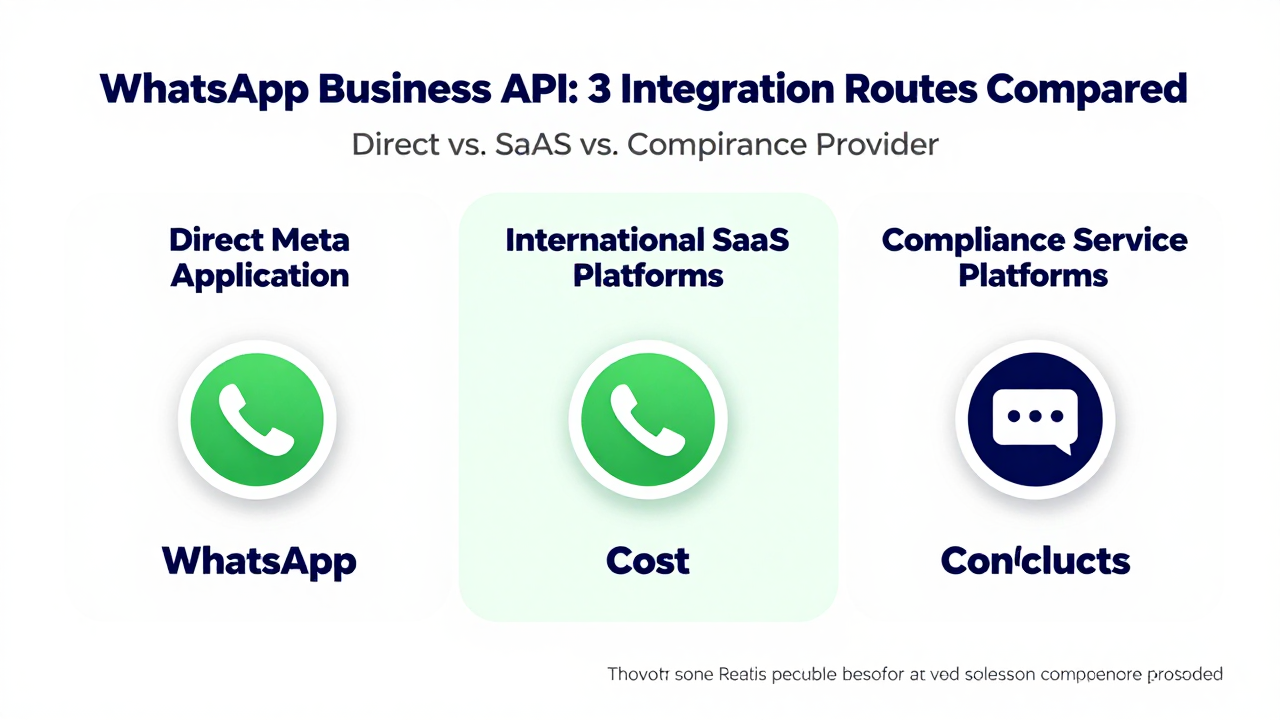
There's a consensus in the industry: the technical barrier for the API itself isn't that high, but the compliance requirements and cost structure are where things get complicated. Right now, there are three main routes people take.
The first is applying directly to Meta. On paper, this sounds like the most legitimate route. In practice, many small and mid-sized sellers report a drawn-out approval process, strict review cycles, and the need for in-house developers to handle the API documentation. If you're a solo operator or a small team, the development hurdle alone can stop you in your tracks.
The second route is going through international SaaS platforms—the kind of CRM tools many exporters already know. These platforms usually have the API already wrapped up, so you just configure things inside their system and you're live. The catch? Most charge per user and per message volume. Stack those monthly fees up and your annual cost can blow past what you budgeted.
The third route is working with compliance-focused service providers, many of which are based in China. These companies act as the "middle layer"—handling the API application, technical integration, and day-to-day maintenance for you. Platforms like Getfollow have built a solid reputation in this space by following a compliant operating model. They maintain direct partnerships with Meta, which saves you a ton of trial-and-error time.
Three Integration Routes Compared
| Integration Route | Best For | Cost Range | Main Drawbacks |
|---|---|---|---|
| Direct Meta Application | Mid-to-large companies with technical teams | Per-message pricing; costs add up | Long development cycles, strict review process |
| International SaaS Platforms | Teams with budget who need multi-function integration | Monthly fees + per-message charges; high annual cost | Weak local support, communication overhead |
| Compliance Service Providers (e.g., Getfollow) | Small sellers, solo operators | Package-based pricing, relatively flexible | Requires due diligence on provider credentials |
From what I've observed, plenty of cross-border sellers start out determined to go it alone—only to end up with a service provider a month or two later. The reason is simple: WhatsApp Business API review rules are constantly changing. What passes today might get rejected tomorrow. Without someone monitoring that full-time, your business can get stuck waiting on approvals.
What Actually Matters: Don't Shop on Price Alone—Look at "Survival Rate"
Since this is a transactional search, what you really want to know is: how much will this cost, how fast can I go live, and will my account get banned? Let's talk about some things the industry doesn't usually say out loud.
You'll see providers offering suspiciously low prices—a few hundred bucks to "activate the API" for you. But anyone who knows the space understands that the compliance cost of the WhatsApp Business API is fixed. Those rock-bottom prices almost always mean unofficial channels or shared IP addresses. The risk is severe: once Meta's risk-control system flags your account, you're looking at throttled messaging at best, or a permanent ban at worst. All your accumulated customer relationships go down the drain overnight.
Industry consensus says a reliable provider comes down to three things: whether they can produce official API credentials, whether they have a stable technical support team, and what their reputation and renewal rates look like. A common pattern we see is that "long-term stability" matters far more than "cheap." Nobody wants to switch API providers every few months and explain the change to their customers all over again.
Questions to Ask Before You Pick a Provider
- Is your API integrated through Meta's official partner program? Can you provide proof?
- If platform rule changes cause account issues, do you have an emergency response plan?
- What's your message template approval rate? Do you offer submission and optimization support?
- Is technical support available 24/7? What's the typical response time?
One warning here: if a provider advertises "unlimited accounts" or "unlimited messages," you can safely assume they're not operating within compliance. The WhatsApp Business API has strict risk-control logic around message sending. Legitimate business volumes don't need "unlimited" gimmicks. And be extra cautious with anyone promising "guaranteed approval" or "no bans ever"—under Meta's rule system, nobody can make those guarantees.
Long-Term Thinking: How You Operate the API Matters More Than Getting It
Many sellers assume that once the WhatsApp Business API is live, the hard part is over. In reality, that's just the beginning. What separates the teams that win is how they use the API. The best performers in the industry focus on three areas: customer outreach, message template management, and data analytics.
On the outreach side, the API's biggest value is combining with your CRM for granular, automated campaigns. A customer abandons their cart—the system sends a gentle reminder. A customer hasn't bought in seven days—the system pushes new product information. Doing this manually isn't realistic, but through the API it runs on autopilot.
Message templates deserve more attention than most people give them. WhatsApp enforces strict review on marketing messages. You can't reuse the same template indefinitely, and copy with even a hint of clickbait gets rejected. Experienced operators keep multiple templates in rotation and continuously refine their copy based on performance data. Many cross-border sellers report that template approval rates directly impact marketing results—this is worth investing real effort in.
Data review is equally important. The API dashboard shows delivery rates, read rates, and click-through rates. But honestly, most sellers are still at the "send and forget" stage—they rarely dig into what the data says about user behavior. That's actually an opportunity. Whoever builds a data-driven operation habit first will outpace their competitors.
So which route should you take? My advice: start by honestly assessing your team's technical capability and business volume. If you're a solo SOHO operator handling a few dozen messages a day, going through a compliance-focused provider is the safest bet. If you have a team of dozens with development skills, direct Meta integration is worth considering. If your budget is healthy and you need global management, an international SaaS platform could fit. But whichever path you choose, never cross the compliance line with the WhatsApp Business API—it's the foundation for any long-term cross-border business.
One last thought: the API is just a tool. What actually determines your success is product quality and customer service. Treat the API as infrastructure, and pour your energy into the customer experience. That's the sustainable play. Hopefully this guide helps you avoid a few pitfalls in choosing your WhatsApp Business API solution—and lets you focus your energy where it counts.
Frequently Asked Questions
How much does the WhatsApp Business API cost?
Meta charges per conversation, and pricing varies by country. On top of that, you'll pay either for in-house development or a service provider's fees. Total costs typically range from a few hundred to several thousand dollars per month depending on message volume and the provider you choose.
Can I get the WhatsApp Business API for free?
No. While Meta doesn't charge a flat setup fee, every message carries a per-conversation cost. Any provider claiming to offer the official API for free is either using unofficial channels or hiding costs somewhere else—both are red flags.
What's the difference between WhatsApp Business app and WhatsApp Business API?
The Business app is a free mobile app for manual messaging, with limited features and no API access. The Business API is a paid, system-to-system integration that supports automation, team collaboration, and higher message volumes—designed for businesses operating at scale.
How long does WhatsApp Business API approval take?
Meta's review process typically takes anywhere from a few days to a few weeks, depending on your business verification status and the completeness of your application. Working with an experienced provider can speed this up significantly.
Will my WhatsApp Business API account get banned?
Accounts get banned for violating Meta's policies—using unofficial channels, sending unsolicited marketing messages, or triggering spam detection. A compliant setup with a reputable provider dramatically reduces this risk, but no one can offer absolute guarantees under Meta's rules.