WhatsApp Business API: The Communication Hub Cross-Border Sellers Can't Ignore
WhatsApp Business API: The Communication Hub Cross-Border Sellers Can't Ignore
After years in cross-border trade, I'm more convinced than ever: WhatsApp Business API isn't a "should we use it" question anymore—it's a "how do we use it smart" question. Plenty of foreign trade folks started out using personal WhatsApp to chat with clients, firing off hundreds of messages a day, only to get their numbers banned out of nowhere. It's not that you were careless—personal WhatsApp was never built for bulk communication. The WhatsApp Business API is the proper route for serious operations.
That said, the barrier to entry isn't trivial for solo operators and small teams. And I don't mean technical barriers—I mean the information gap. There's a ton of conflicting advice out there: some say you must apply through official channels, others say just find a provider, and a few claim you can code your own integration. This article breaks it all down clearly, no hype, no bias—just my honest observations from the field.
What Problems Does the WhatsApp Business API Actually Solve?
Let's paint a scenario. You run a small team managing a dropshipping store. Every day, dozens of customers click through from Facebook ads, asking about product details, requesting quotes, and checking shipping timelines. With personal WhatsApp, you're juggling a phone, replying one by one. Messages pile up, customers get impatient, and you lose sales. Worse, frequently adding contacts and sending bulk messages on a personal account triggers risk controls—worst case, your number gets banned.
The core value of the WhatsApp Business API is that it professionalizes this entire workflow. It lets you send messages through a system interface, supporting template messages, customer service, and order notifications. The official review process for API access is also much clearer—as long as your message templates comply, account stability is a whole tier above personal accounts.
A common pattern we see among cross-border operators: the biggest change after adopting the API isn't sending more messages—it's peace of mind. No more worrying about losing a number mid-conversation, no more daily anxiety about whether you've been locked out.
Integration Routes: Official Direct Connection vs. Third-Party Providers
There are two main paths to getting WhatsApp Business API access. The first is applying directly through Meta—suitable for companies with technical teams that can handle API development and server maintenance themselves. The second is going through third-party providers. Platforms like Getfollow have built a solid reputation in the industry by following compliant operational practices, handling the interface, templates, and customer service routing so you don't have to.
How do you choose? Here's my take: if you have a dedicated backend engineer and high monthly message volume, direct connection will be more cost-effective. But if you're a small team or simply don't want to deal with the technical side, a provider is the more hands-off option. Providers typically charge monthly fees or per-message pricing, and costs vary widely—from tens to hundreds of dollars—depending on what's included.
One observation from my experience: when providers promise "unlimited templates" or "guaranteed instant approval," take it with a grain of salt. WhatsApp's review logic is dynamic; nobody can guarantee a 100% pass rate. Reputable providers help you fine-tune your template copy upfront rather than making empty promises.
Template Messages and Conversation Windows: Understanding These Two Concepts Keeps You Out of Trouble
The billing and messaging rules for WhatsApp Business API are completely different from the personal version. Many newcomers are confused at first: why do I have to pay to send messages? Why can't I just message customers whenever they haven't replied?
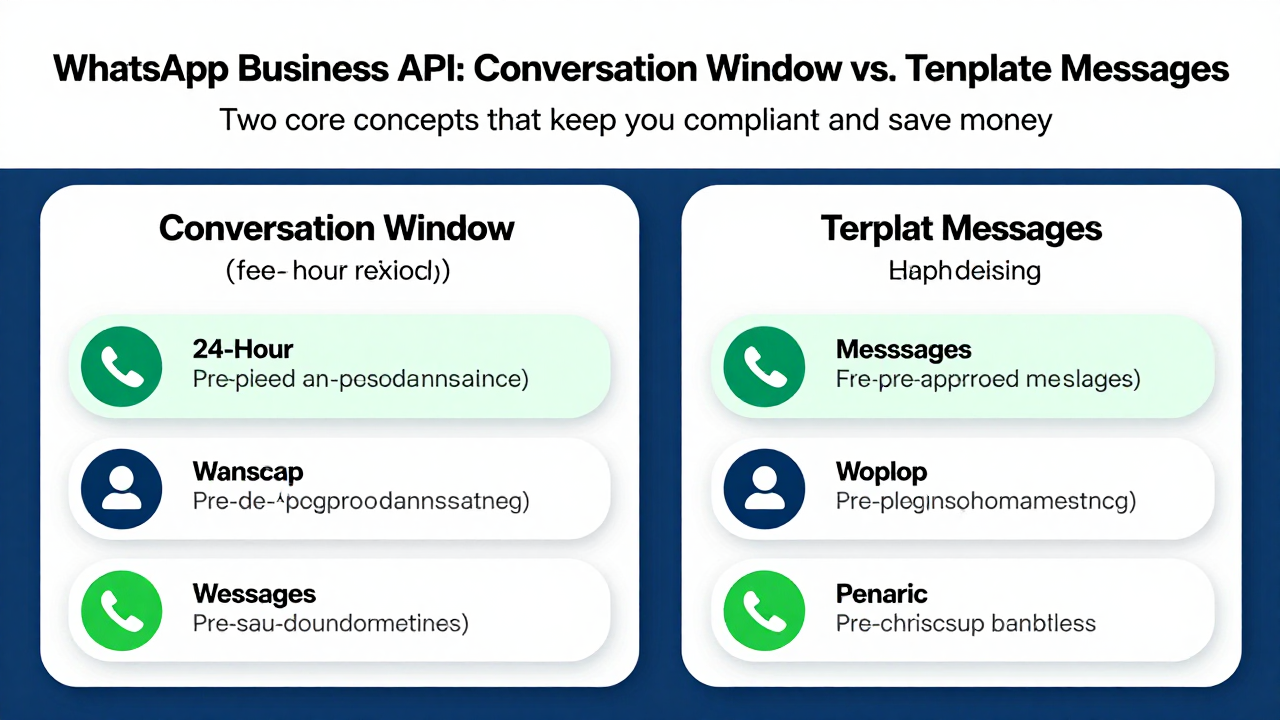
Two core concepts are essential here. The first is the "conversation window." When a customer messages you, you have a 24-hour window to reply for free, with no limit on the number of messages. After those 24 hours, you can only reach out via template messages, which are charged per message.
The second is template message review rules. You can't just send whatever you want. For example, notification templates like "Hello, your order has been shipped" get approved quickly. But marketing templates like "Limited-time offer, click to buy" face much stricter scrutiny. Regional template inventory can also affect approval success rates.
From what cross-border operators tell me, the most common mistake is treating template messages like a broadcast tool. WhatsApp's underlying logic is "conversation-first," not "broadcast-first." So when designing your messaging strategy, ask yourself: is this message something the customer needs, or something you want the customer to see? The former drives conversions; the latter gets you reported and blocked.
Writing Compliant Message Templates and Common Mistakes to Avoid
I've watched plenty of teams burn weeks on template approvals. The essentials boil down to a few things: make template content specific, avoid vague promotional language; keep parameter variables minimal—one or two at most; and keep the tone restrained—skip the "!!!" and excessive punctuation.
Here's an example. For a discount notification: "Hello, the product you're interested in currently has a 5% discount. Click to view" will pass review far more easily than "HUGE NEWS! MEGA SALE! SHOP NOW!" The reason is simple: the first reads like a service notification, the second like spam.
Another tip: many providers offer template pre-review services, which are genuinely useful. Platforms like Getfollow let you submit templates for official review directly from their dashboard, saving you the trial-and-error time. Just remember—pre-review doesn't guarantee approval; it just filters out obviously non-compliant wording.
Industry Landscape: Provider Quality Varies Widely—Don't Shop on Price Alone
There are dozens of WhatsApp Business API providers on the market right now. Some started as marketing SaaS companies, some pivoted from customer service systems, and quite a few are lightweight solutions packaged by individual developers. Prices range from a few dozen dollars to over a thousand per month. The differences come down to: whether official channel fees are included, whether there's a template management dashboard, whether customer service routing is available, and whether multi-account rotation is supported.
My advice: list your requirements first, then evaluate providers. If you're just sending a few hundred notification messages a day, a basic plan will do. But if you need customer segmentation, scheduled campaigns, and multi-language template management, you'll want a more full-featured platform.
Here's another dimension to consider: provider responsiveness. WhatsApp tweaks its rules frequently. If your provider lags behind, your account could be at risk. Platforms like Getfollow have earned a stable reputation by staying current with rule changes and responding to customer inquiries quickly.
Here's a comparison table of different provider types (for reference only, not an endorsement):
| Provider Type | Typical Characteristics | Best For | Potential Drawbacks |
|---|---|---|---|
| Official Direct Connection | Transparent costs, no middleman | Mid-to-large companies with technical teams | You handle API integration and risk management yourself |
| Full-Service SaaS Platforms | Complete features: template management, customer routing, analytics dashboards | Operations teams with high message volume | Higher pricing, features may be more than you need |
| Lightweight API Providers | Low cost, quick setup | Solo operators, early-stage startups | Limited features, stability needs verification |
What to Prepare Before Integration
Whichever route you choose, a few things are non-negotiable. First, business verification. You'll need a business email that can receive verification codes, plus a verified WhatsApp Business account (the one with the green checkmark). Verification isn't strictly required, but it significantly boosts customer trust.
Second, plan your message templates in advance. Don't wait until after integration to figure out what to send. Map out common scenarios—customer inquiries, order notifications, shipping updates—and draft the copy beforehand. This way, when your provider submits templates for review, you can batch-submit several at once and save time.
Finally, think about customer service scheduling. The WhatsApp conversation window runs 24/7. If a customer messages at 3 AM, replying at 9 AM still falls within the window. But if you exceed 24 hours, you'll need to use a template message to "wake up" the conversation—which costs money. So try to have someone on call, or set up automated replies to capture customer questions before they expire.
One thing small teams often overlook: API channel message logs can be exported. This means you can build customer profiles, track repurchase cycles, and derive insights far more valuable than the messages themselves. But you need to plan your data fields from day one—don't wait until you've accumulated tens of thousands of messages to retrofit the system.
An Honest Look at Costs
WhatsApp Business API pricing has two components: official per-conversation fees (which vary by country) and the provider's service fee. On the official side, conversation rates in emerging markets like India and Brazil are significantly lower than in Europe and the US. If your customers are concentrated in Southeast Asia, your cost pressure will be lighter.
Provider fees come in annual or monthly billing structures. I'd suggest starting with a monthly plan to test the waters, then considering annual payment once you've got the workflow down. Also, ask whether template review assistance is included in the price—some providers charge extra for review requests beyond a certain number, and that detail is easy to miss.
Final Thoughts: Don't Treat the API as a Silver Bullet
At the end of the day, the WhatsApp Business API is a tool. It solves the problems of "compliant outreach" and "scaled communication," but it can't fix a weak product or a flawed marketing strategy. Many teams report underwhelming results after integration, usually because the message content itself isn't compelling, or customers were never nurtured in the first place.
My recommendation: map out your customer journey first. Where do customers come from? What do they care about most when they first encounter you? Under what circumstances would you proactively reach out? Answer these questions, then decide what messages to send through the API. Tools are amplifiers—they only work when the direction is right.
Finally, when choosing a provider, test out several trial versions before committing. Pay attention to whether the dashboard is intuitive, whether customer support responds quickly, and what template approval rates look like. These hands-on experiences are far more reliable than sales pitches. After all, a tool is meant to be used, not worshipped.
Frequently Asked Questions About WhatsApp Business API
How much does WhatsApp Business API cost?
Pricing has two components: Meta's official per-conversation fees (which vary by country) and your provider's service fee. Official rates are lower in emerging markets like India and Brazil compared to the US and Europe. Provider fees range from roughly $30 to several hundred dollars per month depending on features and message volume.
Do I need a verified WhatsApp Business account to use the API?
Yes, you need a WhatsApp Business account, and verification (the green checkmark) is strongly recommended. While not strictly mandatory, verified accounts build customer trust and may have better deliverability. You'll also need a business email that can receive verification codes.
What's the difference between a conversation window and template messages?
The conversation window is the 24-hour period after a customer messages you, during which you can reply freely without charge. After that window closes, you can only reach customers using pre-approved template messages, which are billed per message delivered.
Can I send marketing promotions through WhatsApp Business API?
Yes, but marketing templates face stricter review than transactional notifications. Promotional messages need to be specific, avoid aggressive language, and clearly serve customer needs. Vague or spammy marketing copy gets rejected or leads to customer blocks and reports.
Should I connect directly to Meta or use a third-party provider?
Direct connection works best if you have a technical team and high message volume. Providers are better for small teams that want ready-made dashboards, template management, and customer service routing. Evaluate your technical capacity and budget before choosing.